20 October 2026 · 10 min
UPS vs generator: how they differ and work together
A UPS and a generator do different jobs. A UPS (uninterruptible power supply) gives instant, clean power from its batteries for minutes or hours, with no break for the load. A generator gives power for as long as it has fuel, but only after it has started and taken the load, which typically takes several seconds.
So for servers, networks and other critical loads, the answer to "UPS vs generator" is usually both: the UPS bridges the gap and the generator carries the long outage.
In brief
- A UPS covers the first seconds and minutes of an outage with no interruption; a generator covers hours or days.
- In a combined system the UPS carries the load while an automatic transfer switch (ATS) moves the supply to the generator.
- Size the generator for the UPS input power, including battery charging. An online UPS with an active PFC input is generator-friendly.
- A wide input frequency window lets an online UPS keep running from a generator whose frequency drifts.
- Test the whole chain under real load.
UPS vs generator vs inverter: what does each one do?
All three supply power when the mains fails. They differ in how fast they react, how long they last and how clean their output is.
UPS: instant, conditioned power
A UPS stores energy in batteries and delivers it the moment the mains fails. In an online double-conversion UPS, the load always runs on the inverter (the stage that turns DC back into AC), so there is no transfer at all when the mains goes. It also filters out dips, surges and noise. Its runtime depends on the battery and the load: typically minutes, or hours with extra battery cabinets. Our guide to UPS backup time explains how to work it out.
Generator: long runtime after a start delay
A generator, or genset, is an engine driving an alternator. It can run for hours or days, limited by fuel and maintenance. But it is not instant: it must start, stabilise and then take the load. Its frequency and voltage can also move when large loads switch on or off.
Standalone inverter and battery system
In everyday use, "inverter" often means a battery-and-inverter unit that powers a home or small office during outages, sometimes with solar panels. Many work like an offline UPS: the load runs on the mains and switches to the inverter when it fails, so depending on the design there can be a short break. If you are comparing "UPS vs inverter" for computers or network gear, check the transfer time and the output waveform.
| Aspect | Online UPS | Generator | Inverter and battery system |
|---|---|---|---|
| Reaction to an outage | No break (0 ms on online models) | Typically several seconds to start and transfer | Depends on design; a short transfer is common |
| Runtime | Minutes to hours, set by the batteries | Hours to days, set by fuel | Hours, set by the batteries and any solar input |
| Power quality | Clean, regulated sine wave | Can vary with load steps | Depends on the model |
| Main job | Protect sensitive loads from any disturbance | Carry long outages | Keep basic loads running at home or in small sites |
The gap a generator leaves
When the mains fails, a standby generator goes through a sequence: the controller confirms the outage, the engine cranks and starts, the alternator reaches the correct voltage and frequency, and the transfer switch connects it to the load. The whole sequence typically takes several seconds. If the first start attempt fails, it takes longer.
A few seconds is long enough to crash servers, reset network switches and corrupt open files. So a generator on its own is not a substitute for a UPS on critical loads.
The gap also comes back at the end of the outage. When the mains returns, the transfer back can cause another short break. An online UPS hides both transfers from the load.
How a UPS and a generator work together
In a combined system, the UPS sits between the supply and the critical loads, and an automatic transfer switch (ATS) chooses between the mains and the generator. An ATS is a switch that moves the supply from one source to another on its own when it detects a failure. A typical outage then runs like this:
- Mains fails. The UPS carries the load from its batteries straight away, with no break.
- Generator starts. The generator controller detects the outage, or receives a start signal, and the engine starts.
- ATS transfers. Once the generator is stable, the ATS connects it to the UPS input.
- UPS runs on the generator. The UPS rectifier draws power from the generator, supplies the load and recharges the batteries.
- Mains returns. The ATS transfers back to the mains, the generator cools down and stops, and the UPS keeps the load steady throughout.
The UPS battery only needs to cover start and transfer, plus a margin for a failed first start. Without a generator, the battery must cover the whole outage or a controlled shutdown, as explained in our guide to UPS for blackouts.
Sizing a generator for a UPS
The generator must supply what the UPS draws at its input, not just what the load uses.
Rectifier input current
The rectifier is the UPS input stage that turns AC into DC. Its input power is the load power divided by the UPS efficiency, plus battery charging. After an outage the batteries are low, so charging adds to the input just when the generator is running.
Input power factor and harmonics
The input power factor (PF) is the ratio between real power (kW) and apparent power (kVA) drawn at the input. Harmonics are currents at multiples of 50 or 60 Hz that some rectifiers draw; their total is given as THDi (total harmonic distortion of current). A generator has a higher internal impedance than the mains, so harmonics distort its voltage more.
An online UPS with an active PFC (power factor correction) rectifier draws a near-sinusoidal current with an input PF close to 1 and low THDi, so the generator sees an almost resistive load. Rectifiers with high harmonics need a much larger generator.
How much to oversize
The general guidance is to oversize the generator compared with the UPS input power and to confirm the final size with the generator supplier. A commonly cited rule of thumb for a UPS with an active PFC input is a generator of about 1.25 to 1.5 times the UPS input kVA. Treat it as a starting point, then add the other loads and allow for motor starting currents.
Worked example
A small server room has a 30 kW critical load on an IST7 40 kVA / 40 kW online UPS. The same generator must also run 12 kW of cooling at a power factor of 0.8. The supply is 400 V three-phase.
- UPS input for the load. The IST7 10-40 kVA data gives efficiency up to 96%; we use a cautious 95%: 30 kW ÷ 0.95 = 31.6 kW.
- Add battery charging. We assume 2 kW of charging power for this example; take the real figure from the data sheet: 31.6 + 2 = 33.6 kW.
- Convert to kVA. The input PF is ≥ 0.99: 33.6 kW ÷ 0.99 = 33.9 kVA.
- Check the input current. I = P ÷ (√3 × V × PF) = 33,600 ÷ (1.732 × 400 × 0.99) = 33,600 ÷ 685.9 ≈ 49 A per phase.
- Apply the rule of thumb. 33.9 kVA × 1.25 = 42.4 kVA for the UPS share.
- Add the other loads. Cooling: 12 kW ÷ 0.8 = 15 kVA. Adding kVA directly is simple and slightly cautious: 42.4 + 15 = 57.4 kVA.
- Choose and confirm. Pick the next standard generator size above 57.4 kVA and ask the supplier to check it against the UPS data and the cooling motor starts.
If the load may grow to the full 40 kW, the same steps give 70.7 kVA. For more on kW and kVA, see kVA vs kW and power factor.
Frequency tolerance: why online UPS input windows matter
The mains frequency is very stable. A generator's is not: when a large load switches on, the engine slows and the frequency dips, then recovers.
An online UPS rebuilds its output from a DC bus, so its rectifier can accept a wide input frequency window while the output stays at 50 or 60 Hz. The IST7 10-40 kVA accepts 39.5–70.5 Hz at the input, and the IST9, IST7 60-200 kVA and IST6 ranges accept 40–70 Hz. Within that window the UPS keeps running from the generator instead of falling back to its batteries.
The bypass, the path that connects the load straight to the input for overloads or faults, is different. A break-free transfer to it is only possible when the inverter is synchronised with the input. The synchronisation window is narrower: 50 / 60 Hz ± 10% on the IST9 and IST7 10-40 kVA, ± 6 Hz on the IST7 60-200 kVA. If the generator frequency leaves that window, the UPS keeps supplying the load from the inverter. Until the frequency settles, a transfer to bypass would no longer be free of a break: the data sheets give under 10 ms when not synchronised, or under 15 ms on the IST7 60-200 kVA. For the same reason, avoid ECO mode (where the load runs on the bypass) while on a generator.
UPS power supply for home: do you need a generator too?
For most homes, the question is simpler. A small UPS power supply for home keeps the router, a PC or a NAS running through short outages and gives time to shut down cleanly. A generator only makes sense if outages last hours.
If you do have a home generator, keep the UPS in front of the electronics. Small portable generators often have a less stable output, and an online UPS shields the equipment from it. Our guide to choosing a UPS for home covers the sizing.
How this applies to AEC's ranges
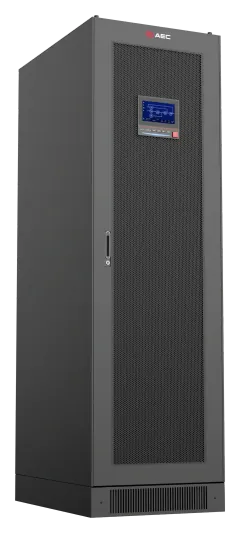
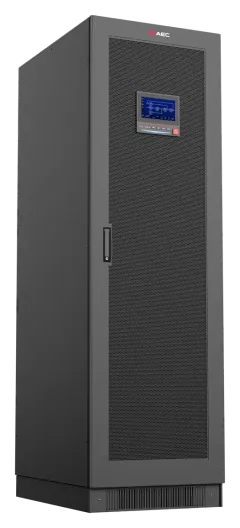
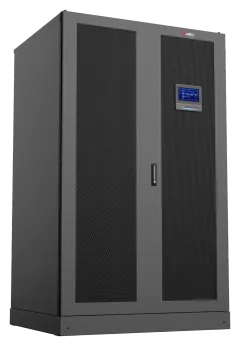
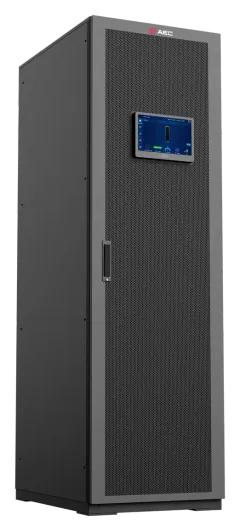
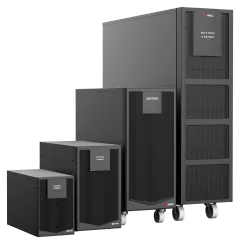
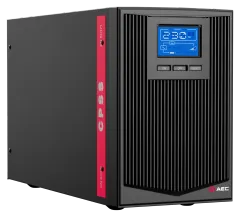
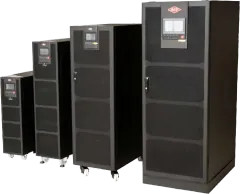
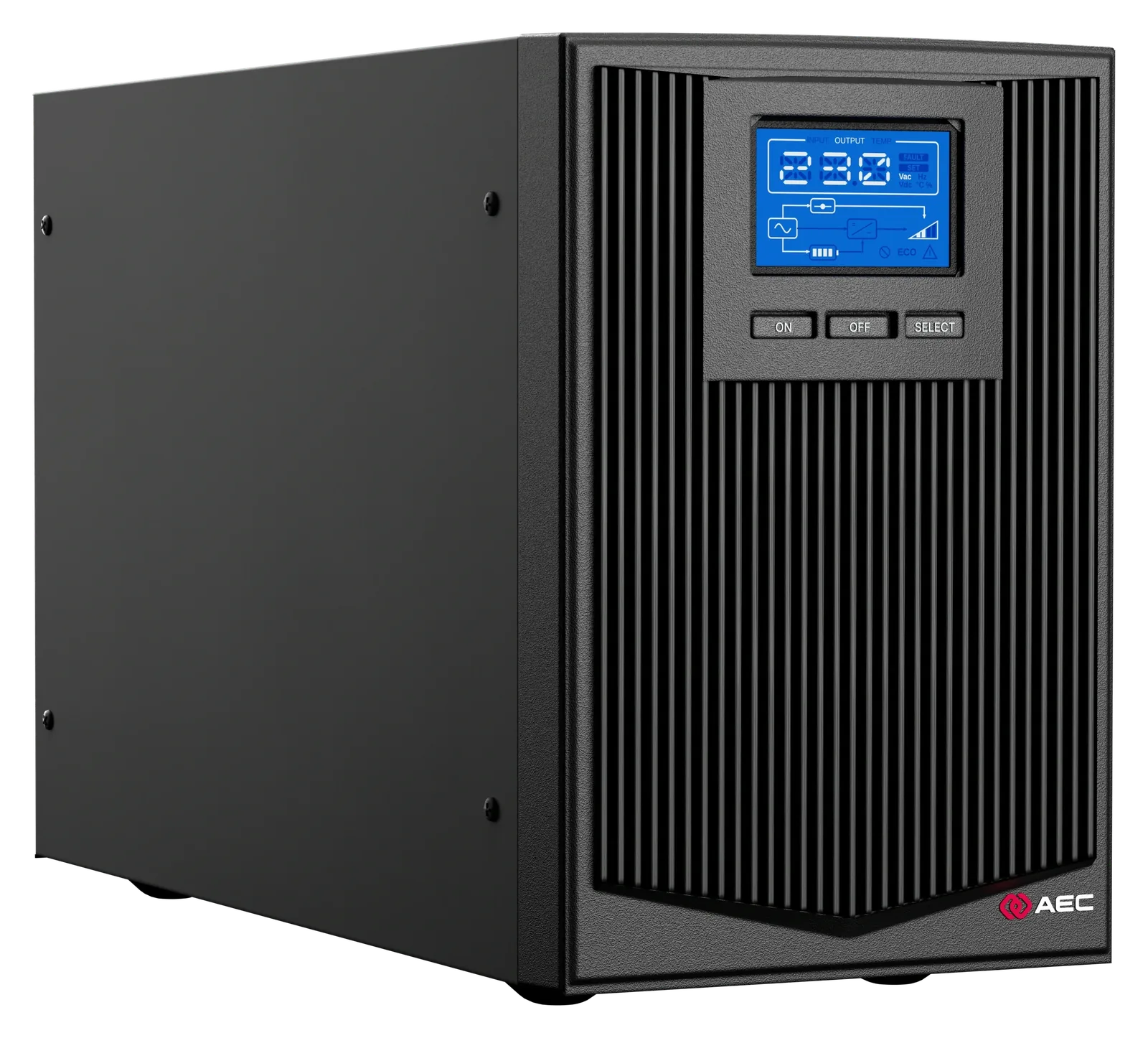
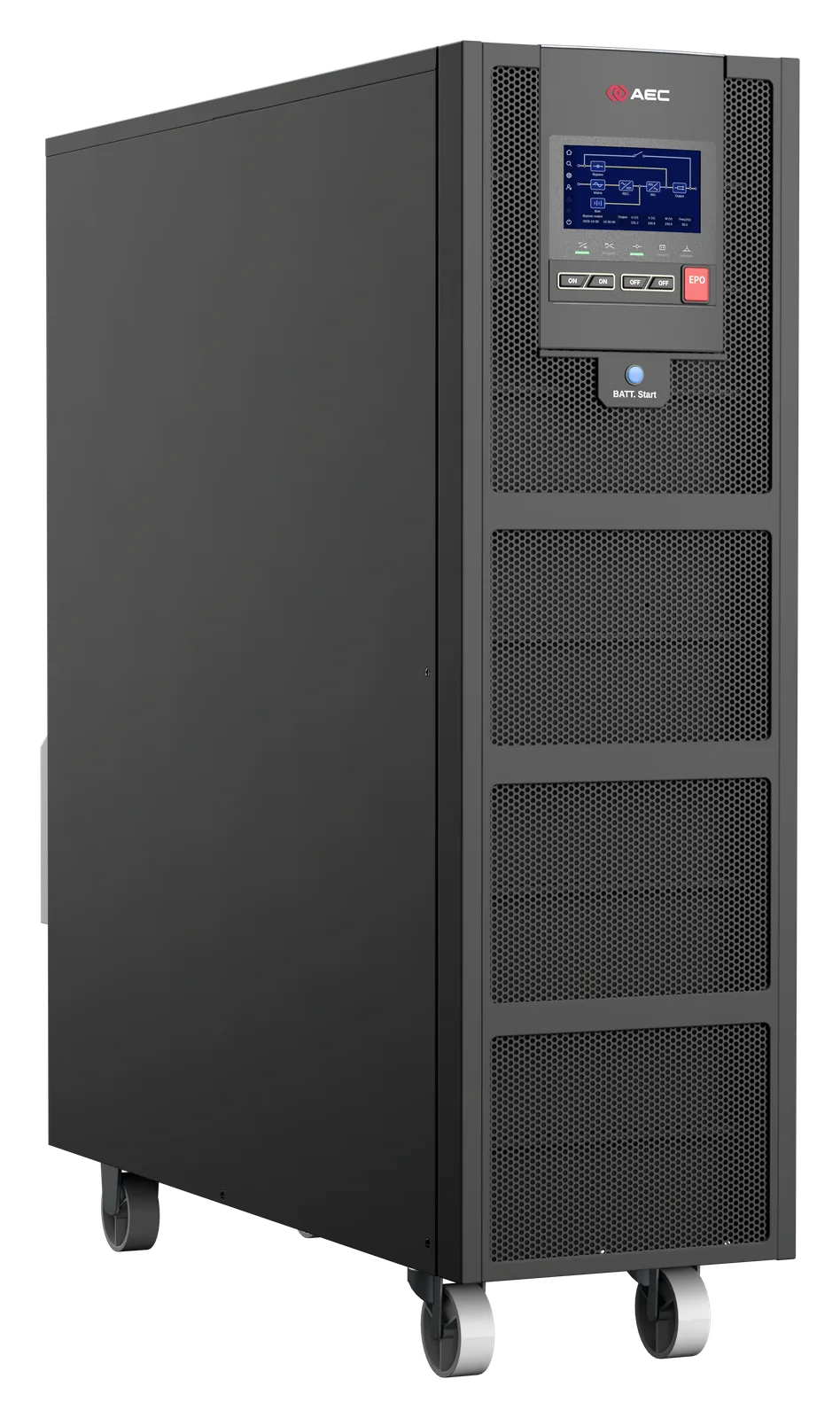
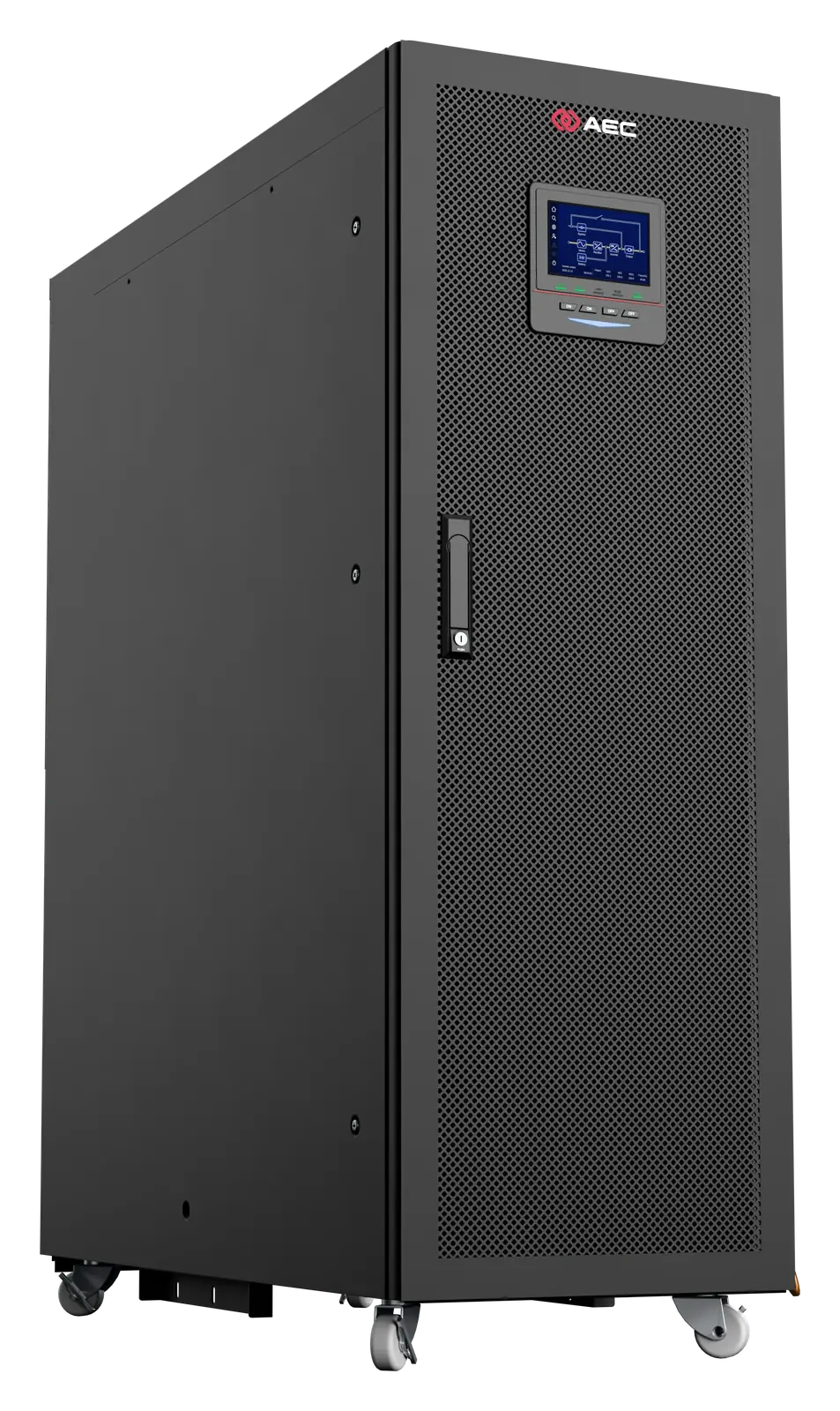
All the ranges below are online double-conversion UPS with a PFC rectifier. The figures come from each range's technical data.
| Range | Input voltage at full power | Input frequency | Input PF · THDi |
|---|---|---|---|
| IST3, 1–10 kVA single-phase | 176–295 V (1–3 kVA); 176–275 V (6–10 kVA) | 50 / 60 Hz ± 10%, self-adapting | Active PFC, high input PF |
| IST9, 10–40 kVA | 176–280 V phase (high-voltage mode) | 40–70 Hz | ≥ 0.99 · ≤ 3% resistive, ≤ 5% non-linear |
| IST7, 10–40 kVA | 176–280 V | 39.5–70.5 Hz | ≥ 0.99 · ≤ 3% resistive, ≤ 5% non-linear |
| IST7, 60–200 kVA | 187–280 V phase | 40–70 Hz | ≥ 0.99 · ≤ 3% |
| IST6-120, 30–120 kVA modular | 176–280 V | 40–70 Hz | ≥ 0.99 · ≤ 2% resistive, ≤ 3% non-linear |
| IST6, 200–500 kVA | 324–485 V line | 40–70 Hz | ≥ 0.99 · ≤ 1.5% |
| IST6, 400–1200 kVA | 324–485 V line | 40–70 Hz | ≥ 0.99 · ≤ 3% |
The three-phase ranges also have functions built for generator sites:
- IST9: a generator mode that disables battery charging while on the generator.
- IST7 60-200 kVA: generator mode started manually or by dry contact from the ATS, with the generator's rated power and a charge-power derating set on screen.
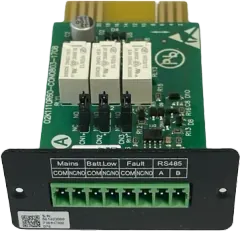
- IST6-120: dry contacts that start a generator on mains failure; charging can be disabled while on the generator.
- IST6 200-500 kVA: generator start output, generator-mode input and charging that can be prohibited on generator, plus power walk-in: the rectifier takes the load over from the battery gradually, with no step on the generator.
- IST6 400-1200 kVA: smart generator mode that starts and stops the generator by dry contact and can take part of the power from the battery, plus walk-in.
To match a UPS and battery runtime to your generator, try the UPS finder or send us your load and generator data.
Checklist for a combined UPS and generator system
- List the critical loads that must never see a break, and put them behind the UPS.
- Choose an online UPS with an active PFC input and check its input PF and THDi.
- Work out the UPS input power: load ÷ efficiency + battery charging.
- Size the generator for the UPS input plus all other loads it carries, and confirm with the generator supplier.
- Check that the UPS input frequency window covers the generator's behaviour under load steps.
- Set the UPS battery runtime to cover generator start, transfer and a failed first start.
- Wire the ATS and, where available, the UPS generator dry contacts; set any generator mode or charge limit.
- Plan regular tests under real load, with the UPS and generator together.
Common mistakes
- No UPS ahead of IT loads. Relying on the generator alone leaves servers and networks without power for several seconds at every outage, and again at the transfer back.
- Undersized generator. Sizing it for the load in kW, without UPS losses, battery charging and other loads, can overload it just after an outage, when the batteries are recharging.
- Ignoring harmonics. A rectifier with high THDi can distort the generator voltage and make the UPS reject the supply.
- No test under load. A generator that starts in a no-load test may still fail when the UPS and cooling hit it together. Test the whole chain with the real load.
Questions
Questions people ask
UPS vs generator: which one do I need?
For critical loads such as servers and networks you usually need both. The UPS gives instant power with no break, and the generator carries outages that last longer than the batteries. For short outages at home or in a small office, a UPS alone is often enough.
Can a generator replace a UPS?
Not for sensitive equipment. A standby generator typically needs several seconds to start and take the load, and computers and network devices reset in that time. A UPS bridges that gap and also filters out disturbances.
What is the difference between a UPS and an inverter?
An online UPS runs the load on its inverter all the time, so there is no break when the mains fails and the output is a clean sine wave. Many home inverter and battery systems switch over when the mains fails, so depending on the design there can be a short break. Check the transfer time before connecting IT equipment.
How big should a generator for a UPS be?
About 1.25 to 1.5 times the UPS input kVA, a rule of thumb commonly cited for a UPS with an active PFC input. Start from the UPS input power: load divided by efficiency, plus battery charging, then add any other loads on the generator. Always confirm the final size with the generator supplier.
Why does my UPS switch to battery when running on a generator?
Usually because the generator voltage or frequency moves outside the UPS input window, often during load steps, or because harmonics distort the generator voltage. An online UPS with a wide input frequency range and low THDi reduces this. A larger or better-regulated generator may also be needed.
How much UPS battery runtime do I need with a generator?
Minutes rather than hours, often 5 to 15 as a first figure: enough to cover the generator start and transfer, plus a margin for a failed first start or a manual start. That is much shorter than the runtime needed without a generator. Use a backup time calculator to match the battery to your load.
Products
Products in this guide

Blog
Keep reading
Talk to an AEC engineer
Tell us the load, the supply and the backup time you need: we answer with the model and the batteries that fit.