31 March 2022 · updated 30 October 2026 · 7 min
UPS for blackouts and storms: what to know
A UPS for blackouts supplies power from its battery the instant the mains fails, so PCs, servers, routers and tills keep running through a power cut. It buys minutes, not hours: an AEC IST3 1 kVA on its internal batteries gives 2 minutes at full load and 8 at half load.
External battery cabinets, lithium modules or an All-in-One reach tens of minutes, up to 200 at 6 kW; for hours, you need a generator. An online double-conversion UPS also filters the sags, surges and noise that come with storms.
In brief
- A UPS covers the power cut itself and the disturbances around it, before and after.
- An online UPS has 0 ms transfer: the load runs on the inverter all the time.
- It is not a lightning conductor. Lightning needs the building's lightning protection system and surge protective devices (SPDs) in the installation.
- Plan what the minutes are for: riding through, or automatic shutdown.
- For long power outages, pair the UPS with extra battery cabinets or a generator.
What happens during a blackout
A blackout is rarely a clean switch from on to off. Before and after a power cut there are often sags, surges and spikes, especially during thunderstorms. These events can switch off computers before data is saved, corrupt files being written, and damage power supplies, disks and network devices. They also stop routers and modems, cutting off internet and VoIP phones, and halt equipment in shops, offices and factories.
| Event | What it is | Typical effect | What helps |
|---|---|---|---|
| Blackout (power cut) | Total loss of the mains, from a fraction of a second to hours. | Equipment switches off, data is lost. | UPS for minutes; generator for hours. |
| Sag (dip) | A short drop in voltage, often when a large load starts. | PCs reboot, displays flicker. | Line-interactive or online UPS. |
| Brownout | Voltage stays low for a longer time. | Power supplies overheat, motors struggle. | Online UPS with a wide input window. |
| Surge | Voltage above normal for a short time. | Stress on power supplies. | Online UPS. |
| Spike (transient) | A very fast, high peak, for example from lightning nearby. | Damage to electronics. | Surge protective devices (SPDs) in the installation, plus the UPS. |
How a UPS helps in a power cut
A UPS supplies power from its battery as soon as the mains fails. That gives you time to save work and close applications properly, or keeps the equipment running until the mains returns. An online double-conversion UPS also filters the supply at all times. The load runs from the inverter, so sags, surges and noise do not reach it. In the terms of IEC 62040-3, this is the VFI class: output independent of mains voltage and frequency. Our guide to online, line-interactive and off-line UPS compares the types.
A wide input window also matters. The IST3 1–3 kVA, for example, works from the mains, without the battery, from 176 to 295 V at full load, and down to 120 V with the load below 50%. During a brownout the battery is not touched, so it is still full when the real cut arrives.
A UPS is not a lightning conductor. Protection against lightning is the job of the building's lightning protection system and of surge protective devices (SPDs) in the electrical installation. What the UPS does is protect connected equipment from the everyday disturbances that, over time, shorten its life.
UPS and storms: what to set up
Storms often hit at night or at weekends, when nobody is there. The UPS must then act on its own. Three functions make the difference:
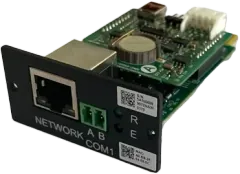
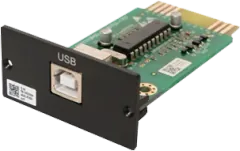
- Automatic shutdown. With USB or a network card and management software, the UPS tells servers and PCs to close in order before the battery runs out. USB is standard on the IST3 and the IST8; an SNMP card fits in their intelligent slot.
- Automatic restart. After a complete outage, the IST9 shuts down about 1 minute after the battery low-voltage point, then restarts by itself in normal mode when the mains returns.
- Battery cold start. This lets you switch the UPS on from its battery when there is no mains at all. On the IST9 you hold the ON / OFF button for 5–10 seconds.
Surges can also enter through telephone and data lines, not only the power cable. Ask your electrician whether those lines need surge protection too.
How long will a UPS last in a blackout?
Runtime (backup time or autonomy) depends on the battery and on the load. Light loads run far longer than full loads. AEC data sheets give, for the IST3 standard models with internal batteries: 2 minutes at full load for 1, 2 and 3 kVA; 4 minutes at full load and 13 at half load for 6 kVA; 2 and 5 minutes for 10 kVA (AEC data; the catalogue prints 3, 5 and 20, 1 and 15). The IST8 gives 11 minutes with its built-in lithium-ion battery. Our guide to UPS backup time explains the method.
Worked example: a small office in a storm
An office runs 8 PCs at 150 W, 8 monitors at 30 W, a server at 500 W, a NAS at 60 W, and a router, switch and firewall at 100 W in total.
- Total power: 1,200 + 240 + 500 + 60 + 100 = 2,100 W.
- Convert to VA with the safe factor 0.7: 2,100 ÷ 0.7 = 3,000 VA.
- Add a 25% margin: 3,750 VA. A 3 kVA UPS is too small, so choose the IST3 6 kVA (6,000 VA / 6,000 W).
- Check the load: 2,100 ÷ 6,000 = 35%, below half load (3,000 W).
- Read the runtime: AEC's data gives 13 minutes at half load, so at 35% expect at least that. Confirm the figure with the backup time calculator.
- Plan the shutdown: if the mains is not back after 5 minutes, the software closes the PCs. Suppose the server and NAS need 4 minutes to shut down: start them at 10 minutes, well before the battery runs low.
Remember that runtime falls as the battery ages and in a hot room. Leave the shutdown margin generous.
UPS and generator for long power outages
When equipment must keep working for hours, a UPS alone is the wrong tool. There are two ways to extend it. The first is more battery: the IST3 long backup version connects to external battery cabinets, and the All-in-One gives up to 200 minutes at 6 kW with eight 50 Ah lithium modules. The second is a generator. The UPS carries the load while the generator starts and settles, so the load sees no break. Our guide to UPS and generator covers how to size the two together.
What to check before buying
- What will it power? List the devices: PC, monitor, router, NAS, server, tills or an industrial machine. Add up the power and leave a margin of about 20–25%.
- VA or watts? Check both ratings. On units with an output power factor of 1, such as the IST8 and IST9, the two are the same.
- How long must it run? For most offices, a few minutes are enough to save and shut down. For longer cuts, choose a UPS that can take extra batteries later.
- Can it shut systems down by itself? Look for USB, an SNMP card and management software.
- Can it start without mains? Check for battery cold start.
- Where will it stand? A cool, ventilated place keeps the battery healthy.
AEC UPS for blackouts and voltage dips
All AEC UPS ranges in the EMEA catalogue are online double conversion, with 0 ms transfer from mains to battery.
| Range | Power | Best for |
|---|---|---|
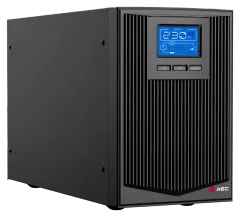
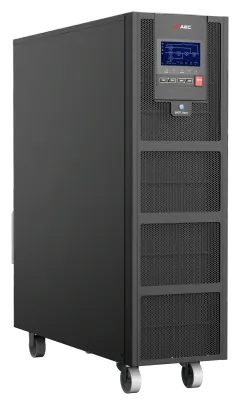
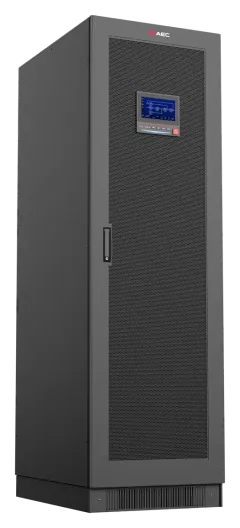
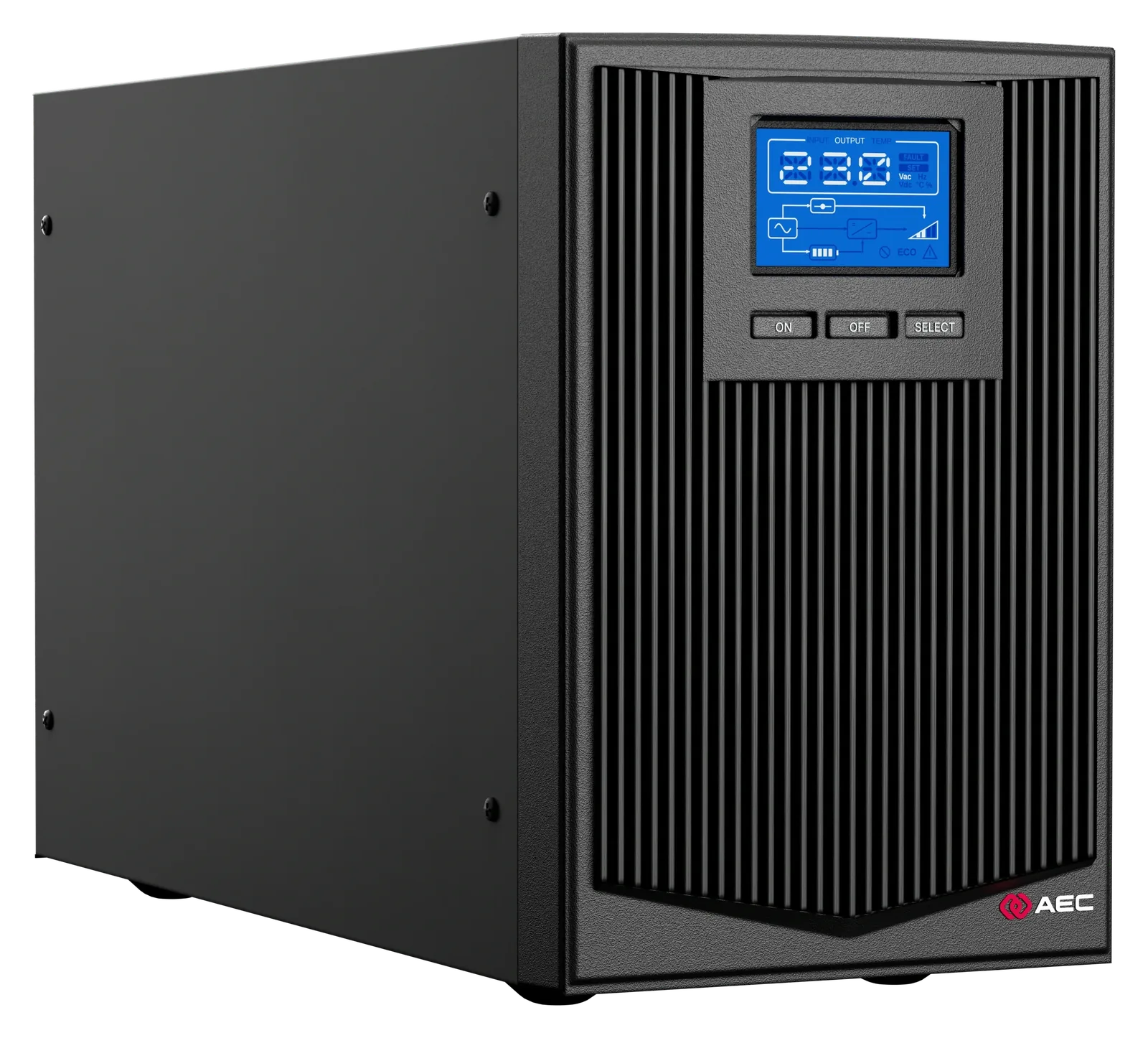
| IST3 | 1–10 kVA | Tower online UPS for offices, servers and networks; pure sine wave. |
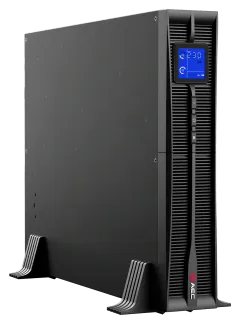
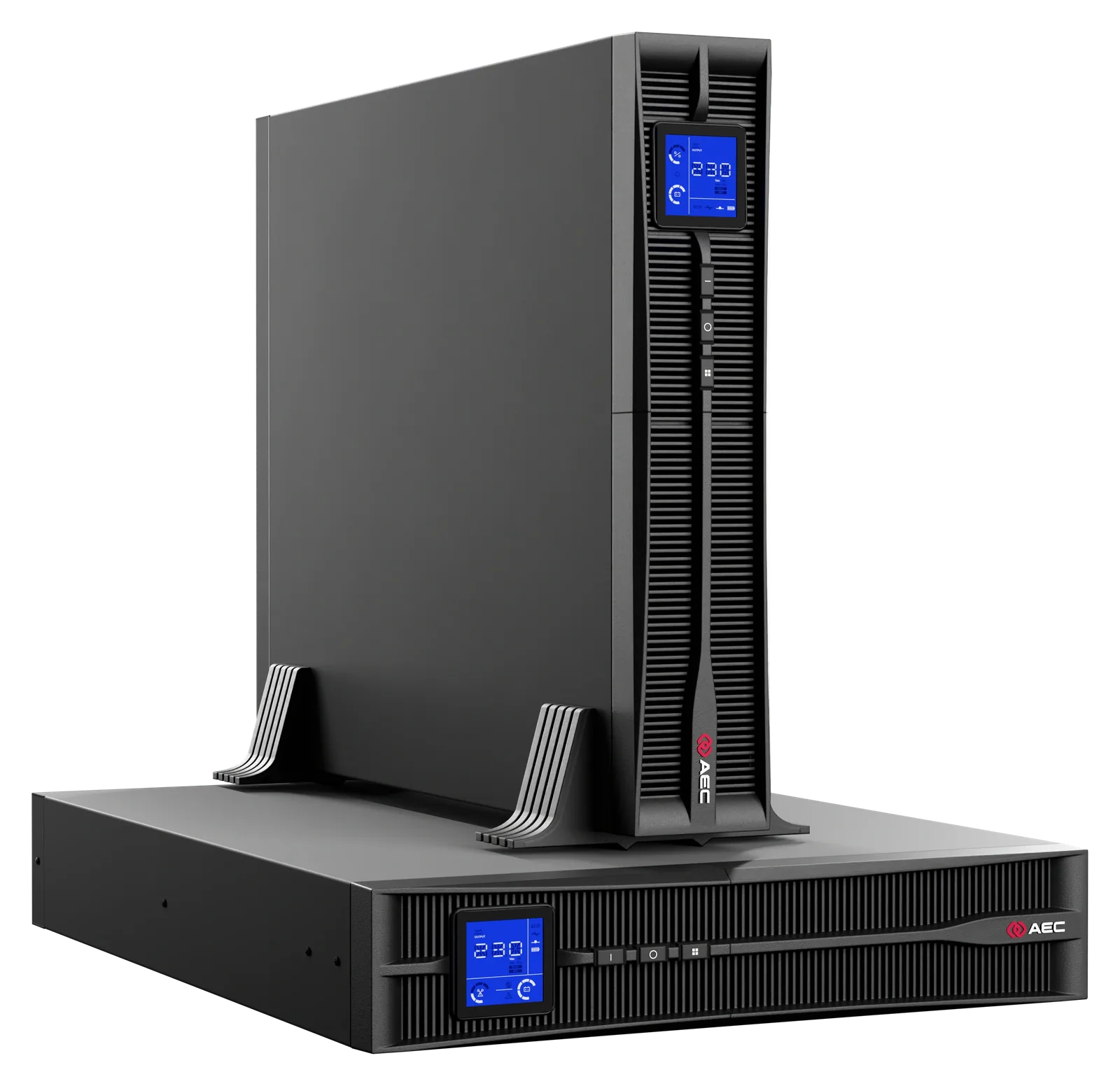
| IST3-J | 1–10 kVA | Single-phase online UPS in 2U for 19-inch racks. |
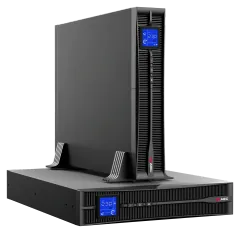
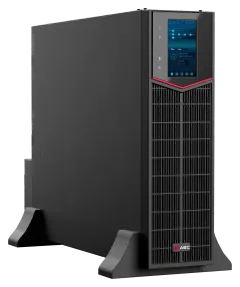
| IST8 | 1–3 kVA | Online UPS with built-in lithium-ion battery, rack or tower. |
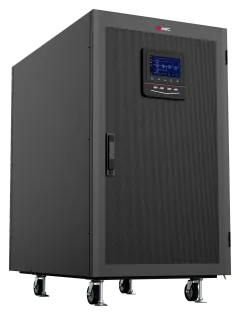
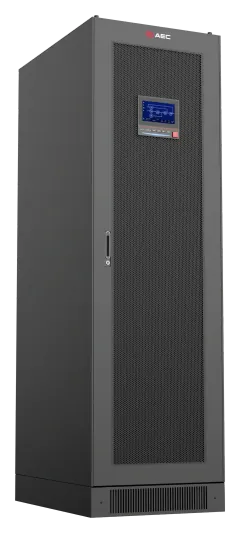
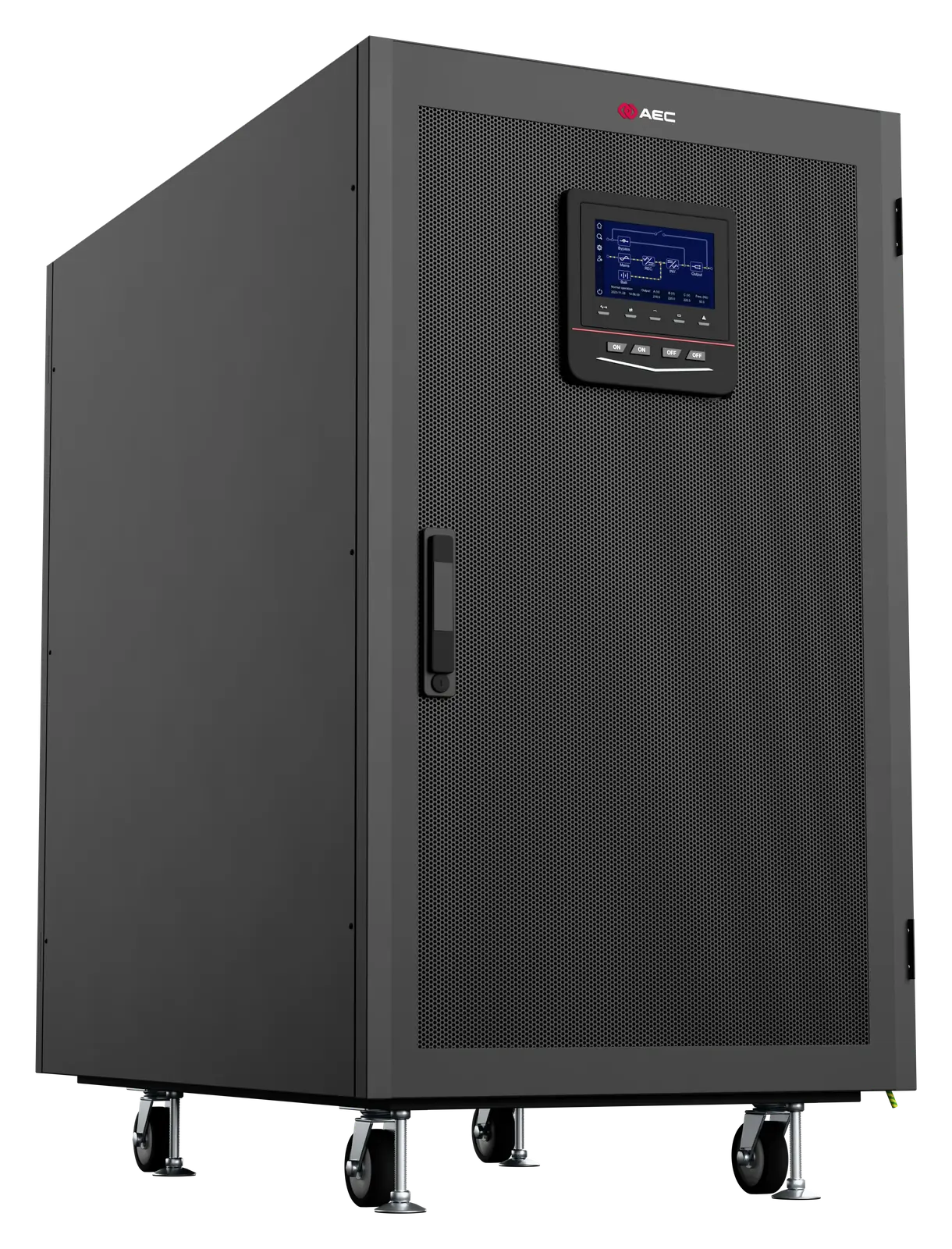
| IST9 | 10–40 kVA | Three-phase or single-phase output in a 3U rack chassis. |
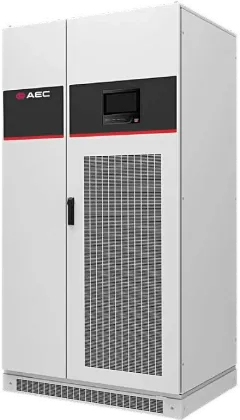
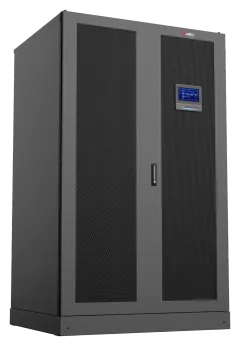
| All-in-One | 20 kVA | UPS and lithium modules in one cabinet, up to 200 min at 6 kW. |
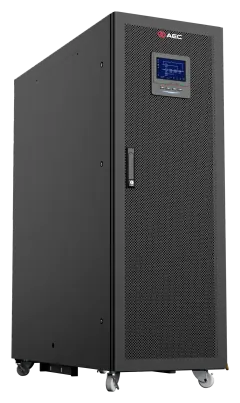
| IST7 | 10–40 kVA | AEC's best-selling online UPS, internal or external batteries. |
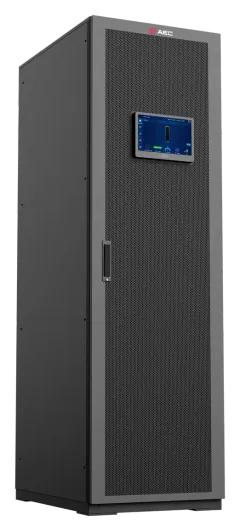
| IST6 | 30–120 kVA | Modular, grows in 30 kVA steps, N+1 redundancy. |
For a home, see our guide to the UPS for home. For a site with several buildings, ask our engineers.
Common mistakes
- Leaving the router off the UPS. Servers stay up, but nobody can reach them.
- No shutdown software. The UPS runs until the battery is flat, and systems still crash.
- Sizing at full load and hoping. At full load the runtime is short. Check minutes at your real load.
- Counting on the UPS against lightning. Surge protective devices in the installation must work alongside it.
- Forgetting the battery. An untested battery can fail on the first real cut.
Keep the battery ready
A UPS is only as good as its battery. Batteries age faster in heat: as a rule of thumb, VRLA battery life roughly halves for every 8 °C above 20–25 °C. Typical VRLA life is 3–5 years in service, depending on temperature and use. The IST8 lithium-ion battery has up to 8 years of service life.
Discharge and recharge the battery every 4–6 months, or every 2 months in hot areas. Run the built-in battery test from the front panel and replace the battery when runtime drops. Then it is ready for the next storm.
Questions
Questions people ask
Will a UPS protect my equipment from lightning?
Only in part: it protects against the surges, sags and noise that come with storms, but lightning needs a lightning protection system and surge protective devices (SPDs) in the electrical installation. They work together with the UPS.
How long will a UPS last in a power cut?
About 13 minutes at half load for an IST3 6 kVA, and 2 minutes at full load for the standard IST3 1–3 kVA (AEC data), much longer at light load. For longer runtimes, add battery cabinets or a generator.
Can I keep my internet connection during a blackout?
Yes, if the router, modem and any network switch are on the UPS. These draw little power, so even a small UPS can keep them running for a useful time.
Should I unplug equipment during a storm if I have a UPS?
No, not with an online UPS: the equipment is supplied by the inverter and filtered at all times. For long storms or unattended sites, set up automatic shutdown so systems close in order before the battery runs out.
Which UPS is best for frequent power outages?
An online double-conversion UPS with a wide input window, so brownouts do not drain the battery. Add automatic shutdown and, if the cuts are long, a model that takes external battery cabinets.
Can a UPS replace a generator?
No. A UPS bridges minutes and removes the break when the mains fails; a generator supplies hours. For long outages the two work together: the UPS carries the load while the generator starts.
Blog
Keep reading
Talk to an AEC engineer
Tell us the load, the supply and the backup time you need: we answer with the model and the batteries that fit.