12 September 2022 · updated 30 October 2026 · 9 min
UPS for home: protect devices, router and data
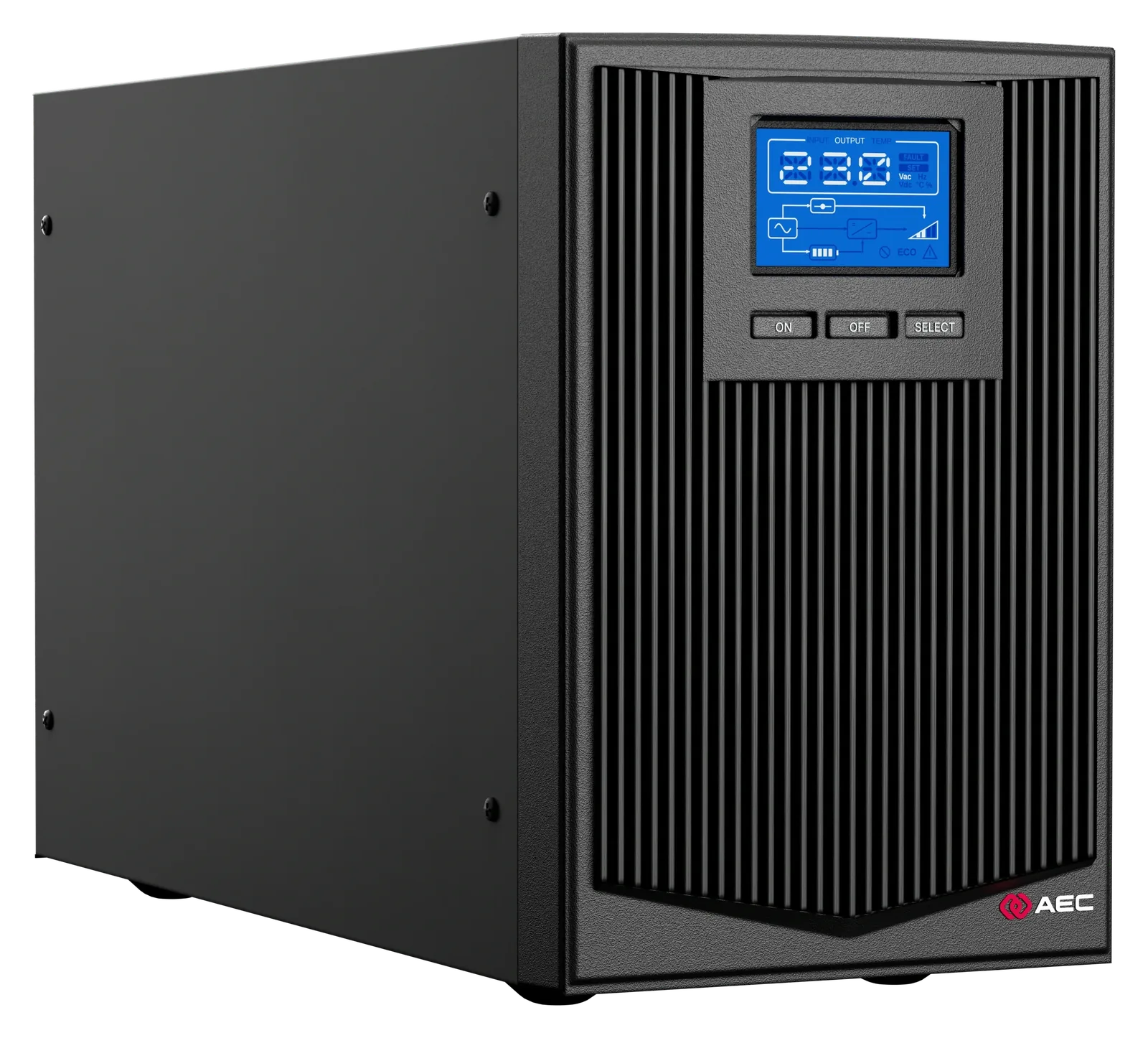
A UPS for home is a battery-backed unit that keeps your router, PC, NAS and alarm running through a power cut and shields them from voltage sags and surges. For most homes a 1 kVA online UPS is enough: router, PC, NAS and alarm draw about 325 W, 33% of the 1,000 W of an AEC IST3 1 kVA.
Protecting the whole house is possible too, but it means a 3 kW class unit or larger, wired into the consumer unit by an electrician.
In brief
- Protect the essentials first: router, modem, PC, NAS, alarm panel and gate controller.
- Add up the watts, convert to VA (divide by 0.7 when unsure) and add a margin of about 20–25%.
- A home UPS gives minutes, not hours. Use them to save work and shut down in order.
- A whole-home UPS for a 3 kW supply is an electrical installation, not a plug-in purchase.
- Every AEC UPS range in the EMEA catalogue is online double conversion: 0 ms transfer and a pure sine wave.
What does a home UPS protect?
A UPS (uninterruptible power supply) keeps the voltage stable and supplies power from its battery when the mains fails. It switches over automatically. The runtime, typically several minutes, depends on the battery and on how much power the connected devices draw. That is long enough to save a document, end a video call properly or let a NAS shut down without damaging its disks.
A power cut stops working from home, Wi-Fi and alarms at once, and storm surges can damage electronics. Typical devices worth protecting:
- Desktop PC and monitor, especially when working from home.
- Wi-Fi router, fibre or DSL modem and network switch.
- NAS or home server.
- Alarm panel and video surveillance recorder.
- Gate and door automation, and the cordless phone base.
Large appliances such as fridges, freezers and ovens draw high starting currents and are rarely connected to a small UPS. Keeping them on during a whole-house outage needs a much larger system, designed with an electrician. The section on whole-home UPS below explains what that involves.
How to size a home UPS
UPS ratings use two units. Watts (W) are the real power a device consumes. Volt-amperes (VA) are the apparent power, which includes the current that does no useful work. The ratio between them is the power factor: W = VA × power factor. Our guide to kVA vs kW and power factor explains this in detail.
Find the power of each device on its label or data sheet and add them up. To convert watts to VA, divide by 0.9 if the device has an active power supply (active PFC), or by 0.7 if it is passive. When you do not know, use 0.7 to be safe. Then add a margin of about 20–25% for new devices and for battery ageing.
Worked example: home office and network
The labels give: router 15 W, modem 10 W, switch 10 W, NAS 40 W, PC 200 W, monitor 35 W, alarm panel 15 W.
- Total power: 15 + 10 + 10 + 40 + 200 + 35 + 15 = 325 W.
- Convert to VA with the safe factor: 325 ÷ 0.7 ≈ 464 VA.
- Add a 25% margin: 464 × 1.25 = 580 VA, or 325 × 1.25 ≈ 406 W.
- Choose the next rating up: 1 kVA. The IST3 1 kVA and the IST8 1 kVA are both rated 1,000 VA / 1,000 W.
- Check the load: 325 W on an IST3 1 kVA is 325 ÷ 1,000 ≈ 33% of its watt rating.
At 33% load, runtime is well above the 3 minutes the data sheet gives at full load. Below 50% load, the IST3 1–3 kVA also keeps the battery untouched with the mains down to 120 V, so brownouts do not drain it. To estimate minutes for your own load, use the backup time calculator.
Which type of UPS for home: off-line, line-interactive or online?
The standard IEC 62040-3 sorts UPS into three classes by how they treat the mains. VFD means the output depends on the mains voltage and frequency; VI means the voltage is regulated; VFI means the output is independent of both. Our guide to UPS types goes deeper.
| Type | How it works | Transfer to battery | Voltage regulation | Good for at home |
|---|---|---|---|---|
| Off-line (VFD) | Load on the mains. The battery takes over when it fails. | A few milliseconds. | None. | Basic loads. |
| Line-interactive (VI) | Load on the mains through an automatic voltage regulator (AVR). | A few milliseconds. | Corrects sags and surges without the battery. | A PC and router. Check for a pure sine wave. |
| Online double conversion (VFI) | Load always on the inverter, rebuilt from DC. | 0 ms. | Full: steady voltage and frequency. | Home office, NAS, sensitive audio and video, unstable mains. |
UPS power supply for home: how long will it last?
Runtime (also called autonomy or backup time) depends on the energy stored in the battery and on the load. As a rule of thumb, halving the load more than doubles the runtime, because batteries deliver more of their energy at lower currents. AEC data sheets give these figures for the standard models:
- IST3 1, 2 and 3 kVA with internal batteries: 2 minutes at full load.
- IST3 6 kVA: 4 minutes at full load, 13 minutes at half load.
- IST3 10 kVA: 2 minutes at full load, 5 minutes at half load.
- IST8 1–3 kVA, built-in lithium-ion battery: 11 minutes backup time with the internal battery.
If you need longer, the IST3 comes in a long backup version for external battery cabinets, and runtime is then set by the cabinet. A router and modem alone draw only a few tens of watts, so even a small UPS keeps the internet connection alive for a useful time. Our guide to UPS backup time shows how to estimate it step by step.
Whole-home UPS: what does it involve?
A whole-home UPS sits between the incoming supply and the circuits of the house, not next to a desk. It is a project, not a purchase.
The 3 kW class
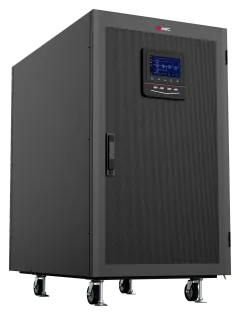
Many homes, in Italy in particular, have a 3 kW supply contract. A UPS for the whole house is therefore usually in the 3 kW class. The IST8 3 kVA and the IST3 3 kVA both deliver 3 kW, because their output power factor is 1. For larger supplies, the IST3 6 kVA (6,000 W) and 10 kVA (10,000 W) connect on terminals, and their standard models have their own maintenance bypass switch.
A 3 kW UPS does not mean the house can draw 3 kW for long. At full load the runtime is minutes. The realistic aim is to keep lights, network, boiler controls and electronics running through short cuts.
Single-phase or three-phase supply
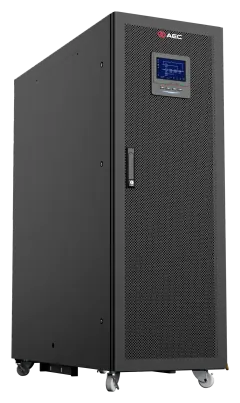
Most homes have a single-phase supply, and a single-phase UPS fits it directly. Some larger homes, for example those with heat pumps or electric vehicle charging, have a three-phase supply. There are then two routes. One is a single-phase UPS on the phase that carries the essential circuits. The other is a three-phase UPS such as the IST9, which works in 3/3 or 3/1 configuration from 10 kVA. Our guide to three-phase UPS explains the configurations.
Starting currents and heavy loads
Fridges, pumps and compressors draw several times their running current for a moment when they start. A UPS handles short overloads within its limits. The IST3 1–3 kVA, for example, accepts 100–130% for 1 minute and 130–150% for 1 second. Beyond those limits it transfers the load to bypass, so the load is back on the raw mains. Ovens, hobs, kettles, water heaters, heaters and heat pumps are best left on circuits that the UPS does not feed.
What the electrician does
- Splits the consumer unit into protected and unprotected circuits, with the UPS feeding only the protected ones.
- Sizes cables and breakers on both sides of the UPS as its manual says: for the IST3 and IST8, an input breaker of 1.5–2 times the maximum input current, without leakage protection. Plans residual current protection (RCDs) for the protected circuits, and checks earthing and neutral to IEC 60364 (CEI 64-8 in Italy) and local rules.
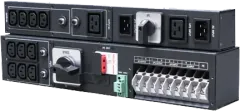
- Adds an external maintenance bypass, so the house stays powered while the UPS is serviced. The MBYP-3K serves UPS up to 3 kVA; the MBYP-6K up to 10 kVA.
- Chooses a dry, ventilated place that can take the weight: an IST3 6 kVA standard model weighs 54.5 kg.
If you need hours rather than minutes, a UPS alone is the wrong tool. Pair it with a generator, as explained in our guide to UPS and generator.
AEC UPS for homes and home offices
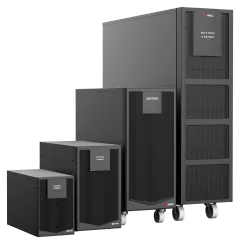
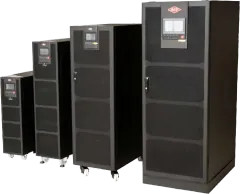
All AEC UPS ranges in the EMEA catalogue are online double conversion. Three single-phase ranges suit homes:
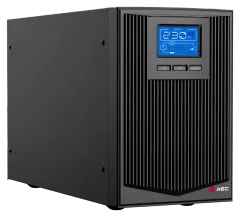
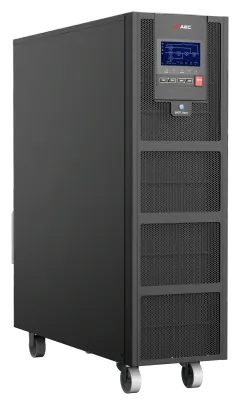
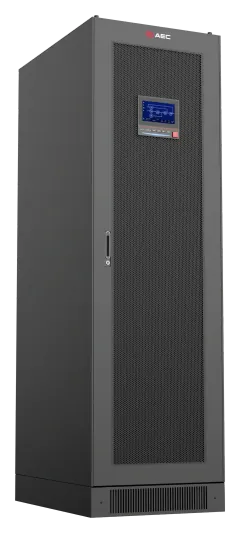
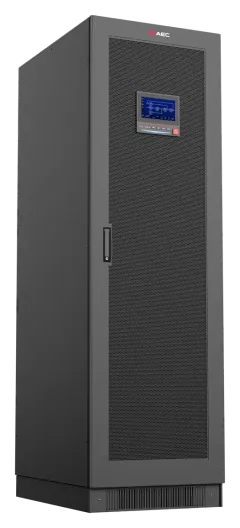
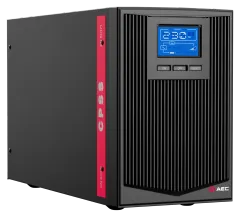
- IST3, 1–10 kVA tower: pure sine wave, 0 ms transfer, internal batteries, with a long backup version for external cabinets. The 1–3 kVA models plug into a wall socket and feed Schuko outputs; USB and RS232 are standard.
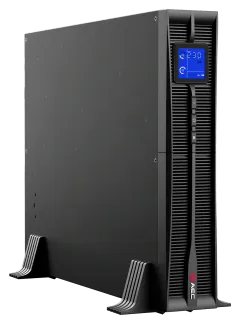
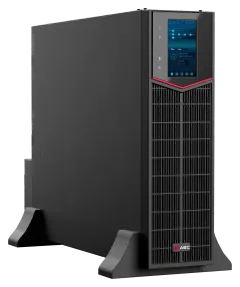
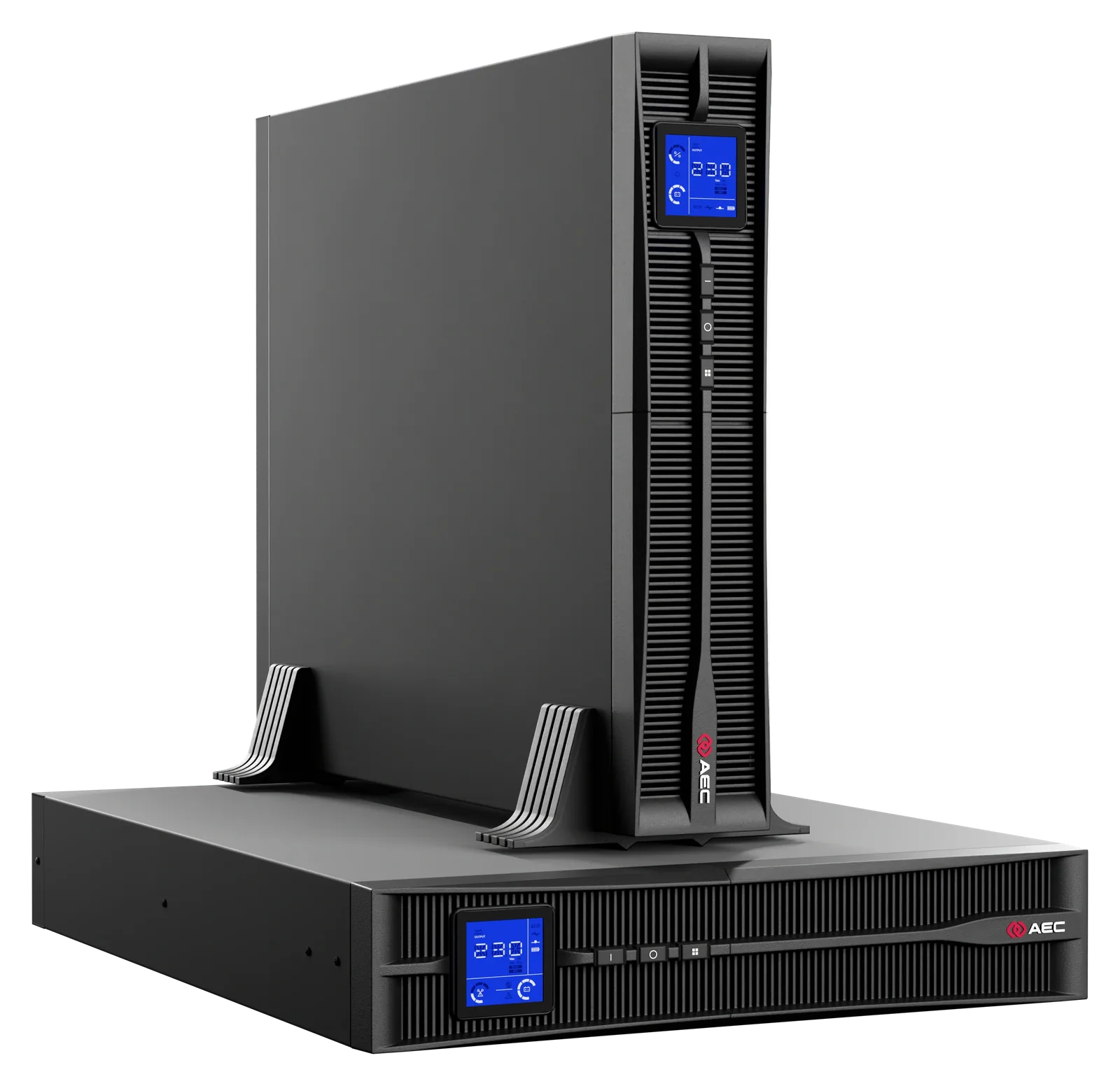
- IST8, 1–3 kVA: lithium-ion battery built in, output power factor 1 (3 kVA = 3 kW), rack or tower, USB and management software as standard. The battery has up to 8 years of service life and up to 1,000 charge and discharge cycles.
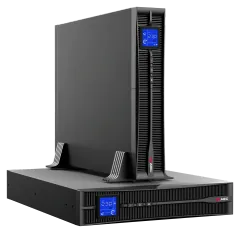
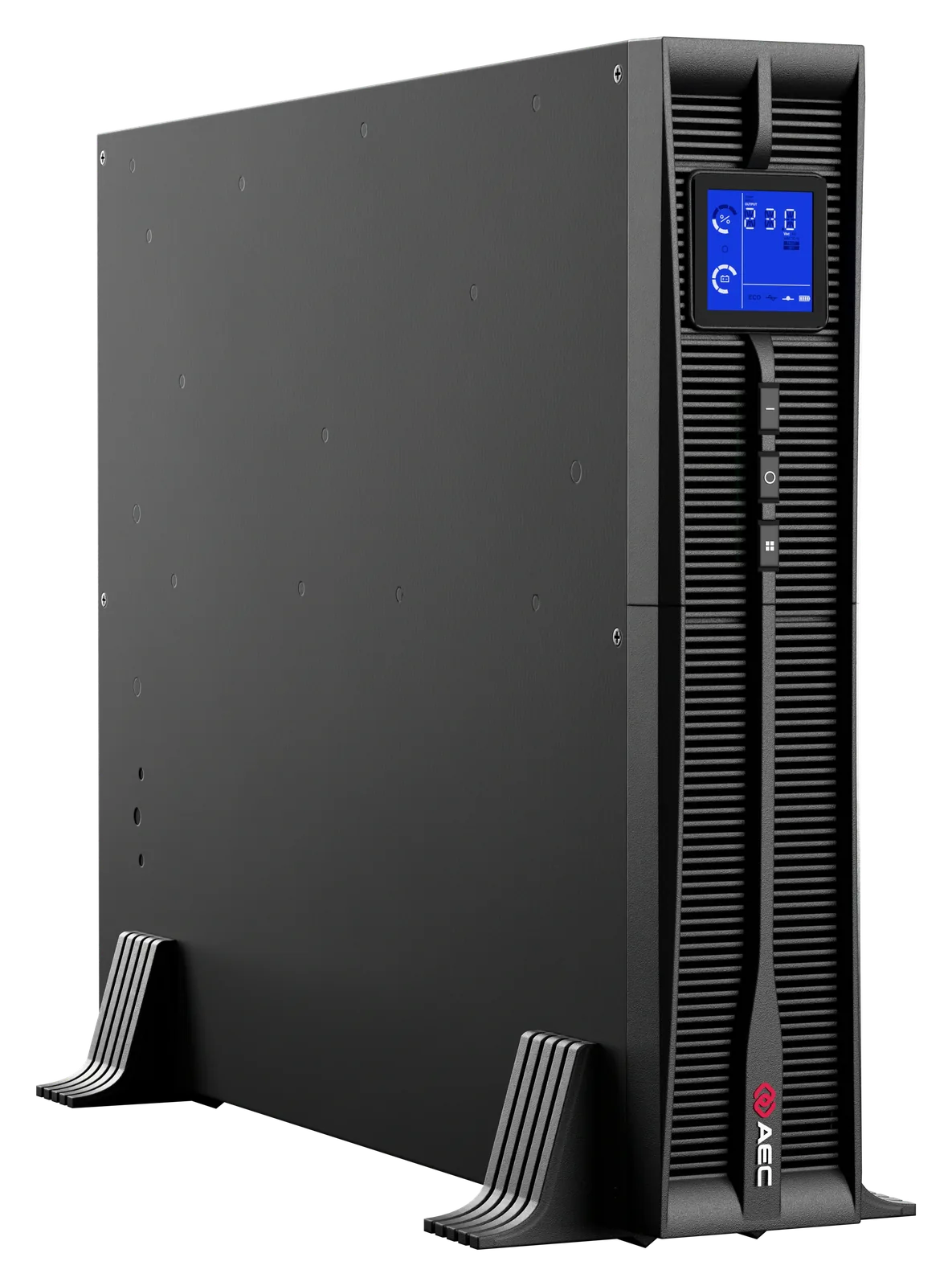
- IST3-J, 1–10 kVA, 2U: for a 19-inch network cabinet in a home office, with 8 IEC C13 outlets on the 1–3 kVA models.
On the IST3 (1–3 kVA, load under 50%) and on the IST8, with the mains down to 120 V the battery is not used, so it stays fully charged for a real cut.
Checklist before you buy
- List every device you want to protect and read its power in watts.
- Convert to VA (divide by 0.7 when unsure) and add 20–25% margin.
- Decide what the minutes are for: riding through short cuts, or saving and shutting down.
- Estimate the runtime at your real load, not at full load.
- Plan automatic shutdown: install the software and connect the USB cable.
- For a whole-home UPS, get an electrician to survey the consumer unit first.
- Pick a cool, dry, ventilated place with space around the unit.
Common mistakes
- Sizing on VA alone. A 1 kVA UPS rated 900 W cannot carry 1,000 W of load. Check the watt rating too.
- Plugging in a heater, kettle or laser printer. Their heating elements overload a small UPS.
- Forgetting the network. A PC on a UPS is of little use for a video call if the router is not on it too.
- Expecting hours. A home UPS buys minutes. For long outages, plan a shutdown or a generator.
- Never testing the battery. A battery that has aged in a warm cupboard can fail on the first real cut.
Where to put it and how to look after it
- Choose a cool, dry, ventilated spot. Heat is the main enemy of batteries: 20–25 °C is ideal.
- Leave space around the unit for cooling; the IST8 installation notes ask for at least 300–500 mm around it and 500 mm above.
- Charge the battery for 10 hours before first use, then discharge and recharge it every 4–6 months (every 2 months in hot areas).
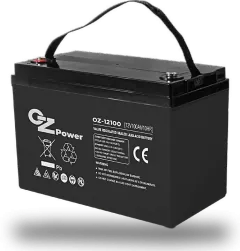
- Expect a lead-acid (VRLA) battery to last about 3–5 years, depending on temperature and use, and replace it when runtime drops.
Not sure which size fits your home? Ask our engineers with your list of devices.
Questions
Questions people ask
What size UPS do I need for a home PC and router?
Add up the watts, divide by 0.7 and add about 25% margin. A PC, monitor and router drawing 300 W need about 430 VA before the margin and about 540 VA after it, so a 1 kVA UPS is the realistic choice.
Can a UPS power my whole house?
Yes, but it is an electrical installation, not a plug-in device. For a typical 3 kW supply you need a 3 kW class UPS, such as the IST8 3 kVA, wired into the consumer unit by an electrician. Heavy loads such as ovens, water heaters and heat pumps are usually left off the protected circuits.
Can a UPS run my fridge during a power cut?
Not a small one: a home UPS of 1–3 kVA is not designed for fridges or freezers, which draw high starting currents. A larger whole-home UPS can feed them if its overload limits cover the start-up, but runtime is still minutes. For long outages a generator is the right tool.
How long will a home UPS last in a power cut?
About 11 minutes for the IST8 with its internal lithium battery, from its data sheet, and 2 minutes at full load for the standard IST3 1–3 kVA, much longer at light load.
Is an online UPS worth it at home?
Yes, if you work from home, have a NAS or a small server, or your supply is unstable: an online UPS such as the IST3 gives zero transfer time and a clean sine wave. For a simple PC a line-interactive unit may be enough.
Does a home UPS need an electrician?
No, not a plug-in UPS of 1–3 kVA, which goes into a wall socket. A UPS that feeds the whole house, or a 6–10 kVA unit on terminals, must be installed by a qualified electrician, who checks protection devices and earthing.
Blog
Keep reading
Talk to an AEC engineer
Tell us the load, the supply and the backup time you need: we answer with the model and the batteries that fit.