31 March 2022 · updated 17 November 2026 · 7 min
UPS sizing: how to work out the power you need
To size a UPS, add up the real power of every device it must protect and convert it to volt-amperes where needed. Then choose a UPS whose rating keeps the load within about 80% in both VA and watts. Backup time is a separate step: it sets the battery, not the UPS size.
The method below works for a single PC as well as for a server room.
In brief
- UPS sizing starts from a list of loads and their real power in watts (W), measured if possible.
- Check the UPS against both ratings: apparent power in VA and real power in W. A 2 kVA UPS with power factor 0.9 gives 1,800 W.
- Keep about 20% headroom for inrush current, extra devices and growth.
- Runtime depends on the battery and the load; a bigger UPS does not by itself give more backup time.
- On a three-phase UPS, check the load on each phase as well as the total.
What UPS sizing means
Sizing a UPS means working out how much power it must deliver to keep everything connected to it running. Get it wrong one way and the UPS goes into overload when you need it most. Get it wrong the other way and you buy capacity and batteries you never use.
Two units matter. Apparent power, in volt-amperes (VA or kVA), is voltage multiplied by current. Real power, in watts (W or kW), is the power the load actually uses. The ratio between them is the power factor (PF): kW = kVA × PF. Every UPS has a rating in both, and your load must fit within both. Our guide to kVA vs kW explains power factor in depth.
How to size a UPS in six steps
- List every device the UPS must keep running.
- Find the power of each device in watts or VA.
- Convert watts to VA where needed and add up both totals.
- Add a margin of about 20% and pick the rating.
- Choose the backup time, which sets the battery.
- Check phases, voltage and redundancy.
Step 1: list every device
Write down every piece of equipment the UPS must keep running: computers, monitors, servers, network switches, routers, storage and any peripherals that must stay on during an outage. Leave out devices that do not need backup, such as most laser printers, which draw high peaks and rarely need to keep printing in a blackout.
Step 2: find the power of each device
The best source is a measurement. The next best is the rating plate or the data sheet. You will find either watts or a voltage and current. If you have voltage and current, multiply them to get VA: a device rated 230 V and 1.5 A draws about 345 VA.
Rating plates give the maximum the power supply can draw, which is often well above the real consumption. Using them leads to a cautious result. As rough guidance only, a desktop PC with its monitor may draw around 250 W and a modem around 50 W.
Watts, VA and the power factor
UPS capacity is often stated in VA, while equipment is rated in watts. If you do not know the power factor of your loads, a cautious approach is to divide watts by 0.7:
250 W ÷ 0.7 ≈ 357 VA.
Then add up the VA of all devices and, separately, the watts. Compare the VA total with the UPS VA rating and the watt total with its watt rating. The load must fit both.
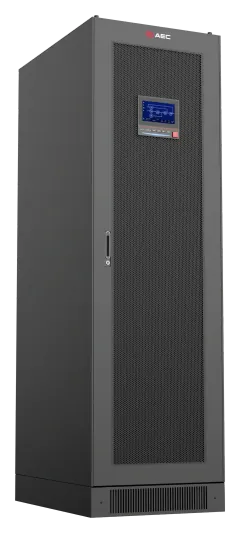
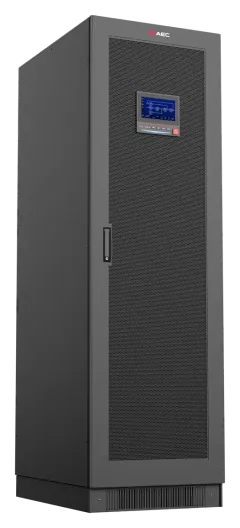
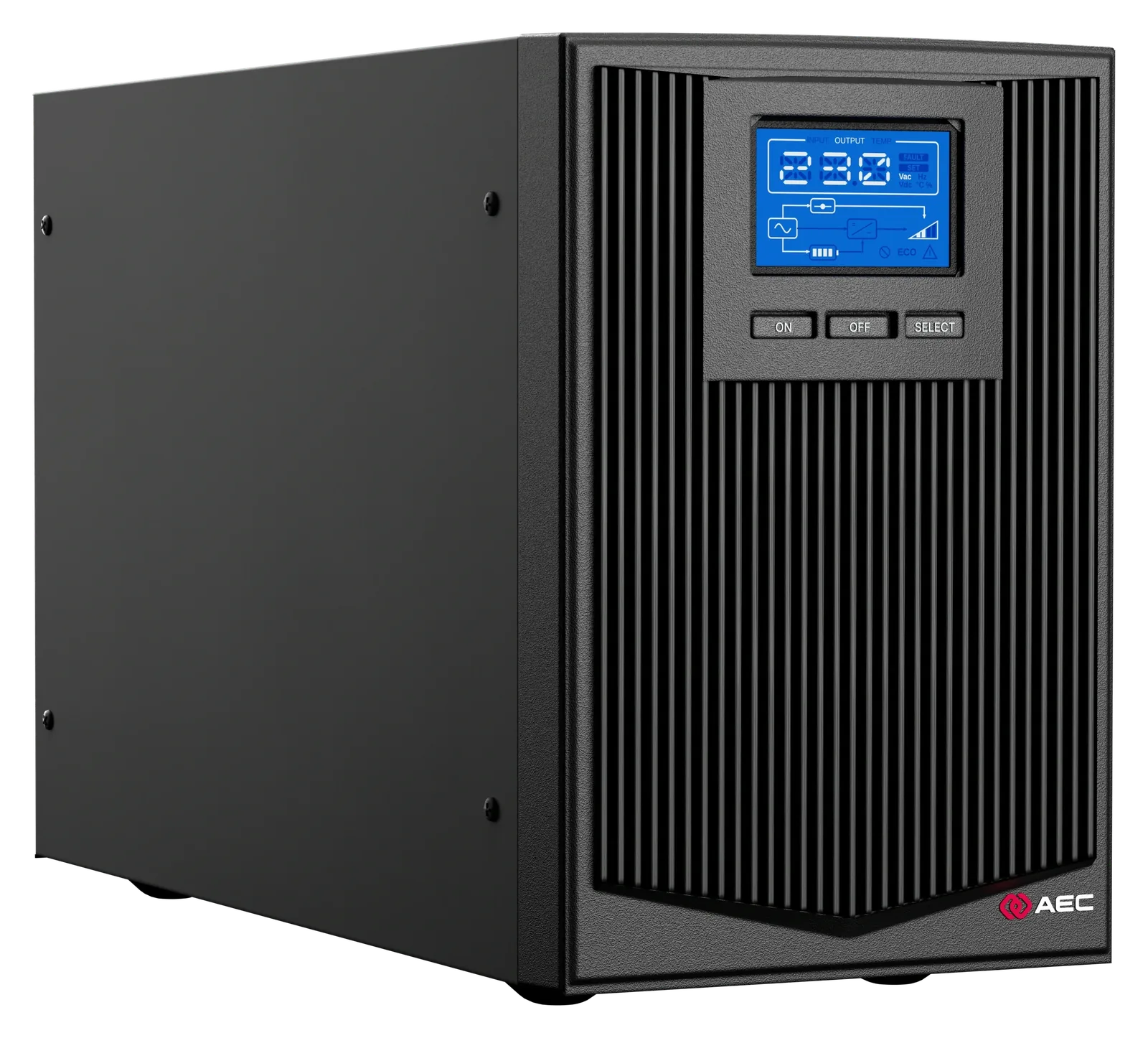
The UPS output power factor decides how many watts you get per VA. Many current online UPS have an output power factor of 1, so the kVA rating equals the kW rating. This applies to the IST3 and IST3-J (the 2 kVA model delivers 2,000 VA and 2,000 W), the IST8 (3 kVA = 3 kW), the IST9 and the IST7 10–40 kVA.
Margin, inrush and overload
Keep the load within about 80% of the UPS rating. This covers inrush current, the short surge many devices draw at switch-on. It also leaves room for an extra device and keeps the batteries from working at their limit.
A UPS can carry a short overload, but only for a limited time. The IST3 1–3 kVA carries 100–130% for 1 minute. The IST7 10–40 kVA carries up to 105% continuously, 105–110% for 60 minutes and 110–130% for 10 minutes. Treat these as protection against peaks, never as extra capacity for the steady load.
Worked examples
Example 1: a small office
| Device | Watts | VA (÷ 0.7) |
|---|---|---|
| 2 PCs with monitors | 500 | 714 |
| Small server | 300 | 429 |
| Router and switch | 100 | 143 |
| Total | 900 | 1,286 |
- VA with margin: 1,286 VA ÷ 0.8 ≈ 1,608 VA, so at least 1.6 kVA. The next standard size is 2 kVA.
- Watts with margin: 900 W ÷ 0.8 = 1,125 W.
- Check a 2 kVA IST3: 1,286 ÷ 2,000 = 64% in VA, and 900 ÷ 2,000 = 45% in watts. Both are within 80%.
- Result: a 2 kVA single-phase UPS fits, with headroom for growth.
Example 2: a small server room
A server room draws 14 kW, measured, and 3 kW of new servers are planned. The loads are single-phase, and the building has a three-phase supply.
- Total load: 14 + 3 = 17 kW.
- With margin: 17 kW ÷ 0.8 = 21.25 kW.
- Rating: on a UPS with output power factor 1, kVA = kW, so at least 21.25 kVA. The next size is 30 kVA, for example an IST9 or IST7 30 kVA.
- Per phase in 3/3 mode: 30 kVA ÷ 3 = 10 kW per phase. Spread the servers as 6, 6 and 5 kW: every phase stays at 60% or less.
- Redundancy option: an IST6 30–120 kVA with two 30 kVA modules gives N+1: if one module fails, the other still carries the 17 kW at 57% of its rating.
A simple UPS size calculator
These formulas are all a UPS size calculator does. Use them with your own figures, or try our UPS finder.
| To find | Formula | Example |
|---|---|---|
| VA of a device | V × A | 230 V × 1.5 A = 345 VA |
| VA from watts | W ÷ PF (0.7 if unknown) | 250 W ÷ 0.7 ≈ 357 VA |
| UPS watts | VA rating × output PF | 2,000 VA × 0.9 = 1,800 W |
| Minimum rating | Total load ÷ 0.8 | 900 W ÷ 0.8 = 1,125 W |
| Three-phase load | √3 × V × I × PF | 1.732 × 400 V × 10 A × 1 ≈ 6.9 kW |
| Load per phase (3/3) | Rating ÷ 3 | 30 kVA ÷ 3 = 10 kVA |
What the size does not settle: runtime and phases
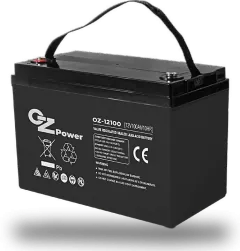
Power decides the UPS size; runtime decides the battery. A bigger UPS does not by itself give more backup time: on the IST3, the standard 1, 2 and 3 kVA models give 2 minutes at full load with internal batteries (AEC data), and every model also comes in a long backup version for external battery cabinets, where the backup time sets the battery capacity and the number of cabinets. Our guide to UPS backup time shows how to estimate it, and the backup time calculator does the sum for you.
On a three-phase UPS, size each phase as well as the total, as in example 2. Whether the site needs single- or three-phase, online or line-interactive, and how the UPS shuts the servers down are choices, not arithmetic: our guide on how to choose a UPS takes them in turn.
Common mistakes and checklist
- Checking VA only. A load can fit the VA rating and still exceed the watt rating on a UPS with power factor below 1.
- Running at 100%. No room for inrush or growth, and the overload protection steps in at the first peak.
- Buying a bigger UPS for more runtime. Runtime comes from the battery; add external batteries instead.
- Ignoring the phases. On a 3/3 UPS, one overloaded phase trips the unit even when the total is fine.
- Connecting the wrong loads. The IST3 manual warns against inductive loads such as air conditioners, motors and drills.
Before you order, check that you have:
- A complete load list, with measured or rated power.
- Totals in both W and VA.
- A UPS rating that keeps both within about 80%.
- The backup time you need, and the battery to match.
- The supply type, the configuration and, on three-phase, the load per phase.
- Any redundancy requirement.
Which AEC UPS for which size?
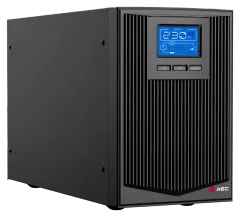
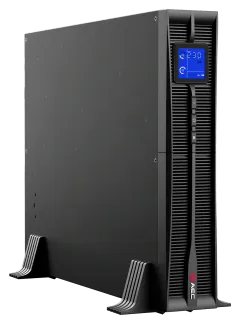
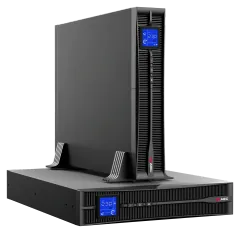
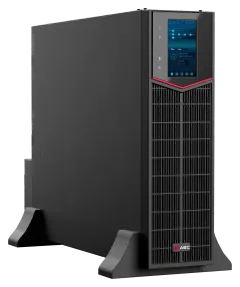
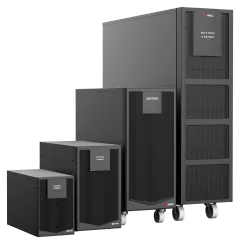
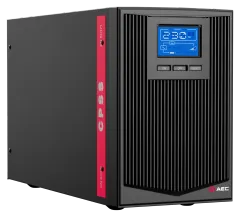
- 1–10 kVA, single-phase: IST3 tower or IST3-J 2U rack/tower.
- 1–3 kVA with lithium built in: IST8, output power factor 1.
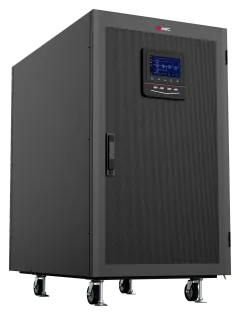
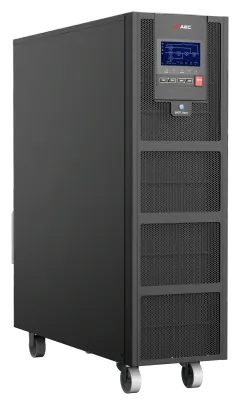
- 10–40 kVA: IST9 in 3U or IST7 floor-standing, both with output power factor 1.
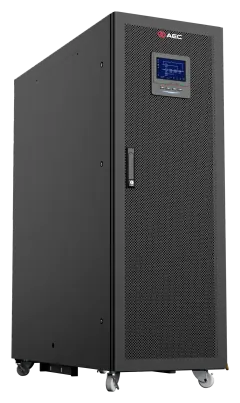
- 60–200 kVA: IST7 60–200 kVA, up to 8 units in parallel.
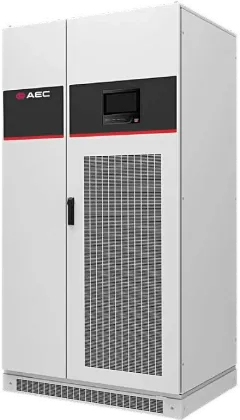
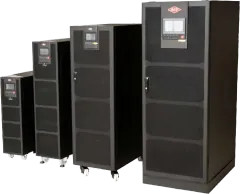
- From 30 kVA up to 1.2 MW per cabinet, modular: IST6–120 in 30 kVA steps, IST6 200–500 and IST6 400–1200.
For larger systems, send us your load list and the backup time and AEC engineers will size the UPS, the battery and the cabling. The example designs show sized systems for a small and a medium office, a hospital and a 2N data centre, each with its single-line diagram.
Questions
Questions people ask
How do I size a UPS?
List every device, add up its power in watts and in VA, and choose a UPS that keeps both totals within about 80% of its ratings. Then choose the backup time, which sets the battery. On three-phase systems, also check the load on each phase.
Why divide watts by 0.7?
It is a cautious estimate of the power factor when you do not know it. It gives a VA figure that will not leave the UPS undersized. If the UPS has an output power factor of 1, you can also compare watts directly with its kW rating.
What size UPS do I need for 1,000 W?
Allow 20% headroom: 1,000 W ÷ 0.8 = 1,250 W. On a UPS with power factor 0.9 that needs at least about 1.4 kVA, so a 2 kVA model; on a UPS with power factor 1, a 2 kVA model also leaves room. Check the VA total of the loads as well.
Should I size the UPS for future growth?
Yes, with a margin of about 20% for inrush and a few extra devices. If you expect large growth, look at a modular UPS such as the IST6, which grows in 30 kVA steps in the same cabinet.
Does a larger UPS give more runtime?
Only partly. Runtime depends mainly on the battery capacity compared with the load. To extend it, add external batteries rather than simply buying a bigger UPS.
Is there a UPS size calculator?
Yes: AEC's online UPS finder and backup time calculator apply the sums for you, and AEC engineers size larger systems from your load list. The sums are simple: VA = V × A, VA = W ÷ PF, and minimum rating = total load ÷ 0.8.

Blog
Keep reading
Talk to an AEC engineer
Tell us the load, the supply and the backup time you need: we answer with the model and the batteries that fit.