20 October 2026 · updated 17 November 2026 · 10 min
UPS efficiency and ECO mode: losses and energy savings
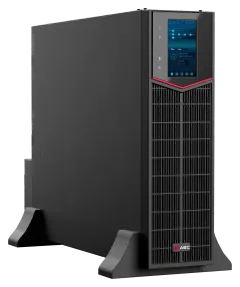
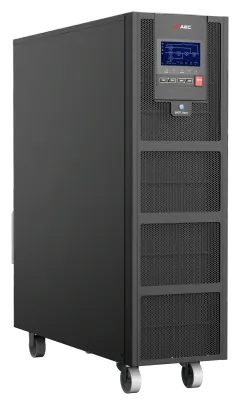
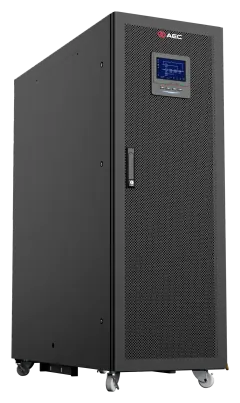
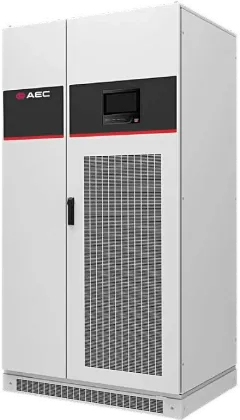
In ECO mode a UPS feeds the load from the static bypass while the mains stays within limits, and efficiency rises from 96–98.1% in double conversion to 99% (AEC IST7, IST9) or 99.2% (IST6 400–1200). When the mains leaves the window the load goes back to the inverter: under 1 ms with the bypass synchronised, up to 10–15 ms when not.
The right choice depends on how much loss you can save, how clean your mains is and how sensitive the load is.
In brief
- Losses in kW = P × (1/η − 1), where P is the load in kW and η is the efficiency as a decimal.
- Every kW of loss is a kW of heat that the room cooling must remove, so savings count twice.
- Efficiency changes with load: it is lowest at light load and usually best in the middle-to-upper part of the range.
- ECO mode is a high efficiency UPS mode, not a free upgrade: the load sees the mains and there is a short transfer when the mains leaves the window.
- Read datasheet efficiency carefully: AC/AC in double conversion, battery mode and ECO mode are three different figures.
What UPS efficiency means
Efficiency (η, the Greek letter eta) is output power divided by input power, both in kW. If a UPS draws 104 kW from the mains to deliver 100 kW to the load, its efficiency is 100 / 104 = 96.2%. The missing 4 kW are losses.
In an online double-conversion UPS the power passes through two converters. The rectifier turns AC into DC, and the inverter rebuilds clean AC for the load. Each stage has switching and conduction losses in its semiconductors, plus losses in chokes, filters, fans and control electronics.
Efficiency is measured in kW, not kVA, because real power is what turns into heat. For a refresher, read our guide to kVA, kW and power factor.
How UPS efficiency changes with load
Efficiency is not one number but a curve. Part of the losses is fixed: control boards, fans, magnetising current and the standby state of the converters draw power even with a tiny load. The rest is proportional to the load, or grows faster than the load, such as the resistive losses in cables and chokes.
At light load the fixed losses dominate, so efficiency drops. At 10% load a UPS may lose a large share of what it delivers. As the load rises, the fixed part is spread over more kW and efficiency climbs. Most designs reach their best figure somewhere in the middle-to-upper part of the range, and the curve is fairly flat there. The exact shape depends on the design, so look for a curve or a table at 25%, 50%, 75% and 100% load.
This matters because many UPS systems run well below their rating. In a 2N design, for example, each side normally carries half the load or less.
How to calculate UPS losses: formula and worked example
The losses of a UPS are the difference between input and output power. Since input = output / η, the formula is:
Losses (kW) = P × (1/η − 1).
P is the load in kW and η is the efficiency at that load, written as a decimal (96.5% = 0.965). Energy lost per year is losses × hours of operation; a UPS running all year runs 8,760 hours.
Worked example: 100 kW load, double conversion vs ECO
- Load: P = 100 kW, running 24/7 (8,760 h per year).
- Double conversion at η = 96.5%: 1 / 0.965 = 1.0363. Losses = 100 × (1.0363 − 1) = 3.63 kW.
- ECO mode at η = 99%: 1 / 0.99 = 1.0101. Losses = 100 × (1.0101 − 1) = 1.01 kW.
- Difference in losses: 3.63 − 1.01 = 2.62 kW.
- Energy per year: 3.63 × 8,760 = about 31,800 kWh in double conversion; 1.01 × 8,760 = about 8,850 kWh in ECO mode.
- Saving: 2.62 × 8,760 = about 22,950 kWh per year, before counting the cooling.
The saving assumes the UPS stays in ECO mode all year; every hour on the inverter because the mains is out of tolerance reduces it.
Heat and cooling: why losses count twice
Every kW of UPS loss ends up as a kW of heat in the room. In an air-conditioned UPS room or data centre, the cooling system must remove that heat, and it uses electricity to do so. A kW saved inside the UPS therefore also reduces the cooling load.
How much cooling energy one kW of heat costs depends on the cooling system and the climate. A simple way to estimate it is the coefficient of performance (COP): heat removed divided by electrical power used. With an assumed COP of 3, removing 2.62 kW of heat takes about 2.62 / 3 = 0.87 kW of electrical power, or about 7,650 kWh per year on top of the saving above. Use your own cooling data in place of the assumed COP.
For the full method, including conversion to BTU/h (1 kW ≈ 3,412 BTU/h) and battery-room temperature, see our guide on UPS heat output and cooling.
UPS ECO mode: how it works and what you give up
ECO mode, or economy mode, feeds the load through the static bypass. This is the electronic switch that connects the load directly to the mains. The inverter stays ready, and the rectifier keeps the battery charged. When the mains voltage or frequency moves outside a set window, the UPS transfers the load back to the inverter.
VFD instead of VFI
IEC 62040-3 classifies UPS output performance. Online double conversion is VFI (voltage and frequency independent): the output does not depend on the input. In ECO mode the output follows the mains, so the behaviour is that of a VFD UPS (voltage and frequency dependent). Small sags, swells, noise and harmonics inside the window reach the load. For background on the classes, see our guide to online, line-interactive and offline UPS.
The transfer
When the mains leaves the window, the load moves from bypass to inverter. In double conversion there is no transfer when the mains fails, because the inverter is already supplying the load. In ECO mode there is a short transfer, whose length depends on the design. Most IT power supplies ride through a few milliseconds, but some motor drives, PLCs and measuring instruments may not.
When ECO mode makes sense
- The mains is stable, with few sags and little distortion.
- The load tolerates a short transfer and some mains disturbance, such as IT equipment with good power supplies.
- Losses matter, for example in large rooms that run 24/7.
It makes less sense for sensitive medical, laboratory or industrial loads, on weak grids or on a site fed by a generator with unstable frequency. A middle way is to schedule ECO mode only for certain hours, or to tighten the window.
| Aspect | Online double conversion | ECO mode |
|---|---|---|
| Normal power path | Rectifier, DC bus, inverter | Static bypass, inverter on standby |
| IEC 62040-3 behaviour | VFI: output independent of mains | VFD: output follows mains |
| AEC efficiency (datasheet maximum) | 95% to 98.1%, by range | 99% to 99.2%, by range |
| Transfer on mains failure | None | Short transfer from bypass to inverter |
| Mains disturbances at the load | Filtered out | Passed through within the window |
| Best for | Sensitive loads, poor or unknown mains | Tolerant loads on stable mains |
Modular UPS efficiency at partial load
A modular UPS divides its power among several hot-swap power modules, each with its own rectifier and inverter. The load is shared among the modules that are switched on. That gives a way to keep each module in the efficient part of its curve.
Take a 60 kW load on a cabinet with four 30 kVA modules. With all four running, each module carries 15 kW, about 50% of its rating. If the controller puts one spare module to sleep, three modules share the load at about 20 kW each, or 67%. Fewer modules at a higher load each usually means lower total losses, because the fixed losses of the sleeping module disappear.
AEC calls this redundancy sleep. You set a sleep cycle period and a safety load from the screen, and the UPS wakes modules as the load rises. Our guide to UPS redundancy and N+1 explains why you should not let the sleep setting eat into the spare capacity you need.
Reading datasheet efficiency figures
Two datasheets can both say "96%" and mean different things. Check what each figure covers before you compare. Our guide on how to read a UPS datasheet covers the other lines too.
| Figure | What it measures | What to check |
|---|---|---|
| AC/AC (double conversion) | Mains input to load output with rectifier and inverter working | Load level, "peak" or "up to", system or module |
| Battery mode (DC/AC) | Battery to load output through the inverter | Usually different from AC/AC; matters for runtime |
| ECO mode | Mains to load through the static bypass | ECO window, single or parallel UPS, transfer behaviour |
| System vs module | Whole cabinet, or one power module alone | System figures include bypass, fans and controls |
"Up to" and "peak" mean the best point on the curve, often at one load level with resistive loads.
Efficiency in AEC UPS ranges
All figures below come from AEC datasheets.
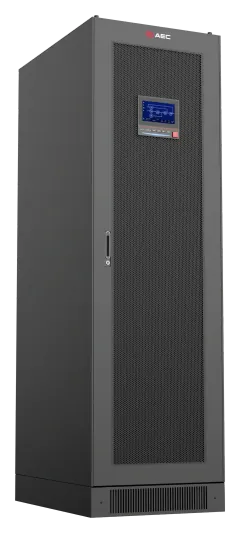
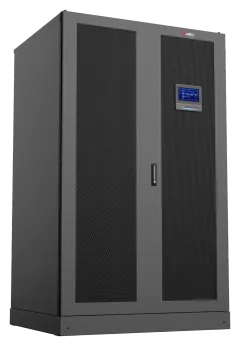
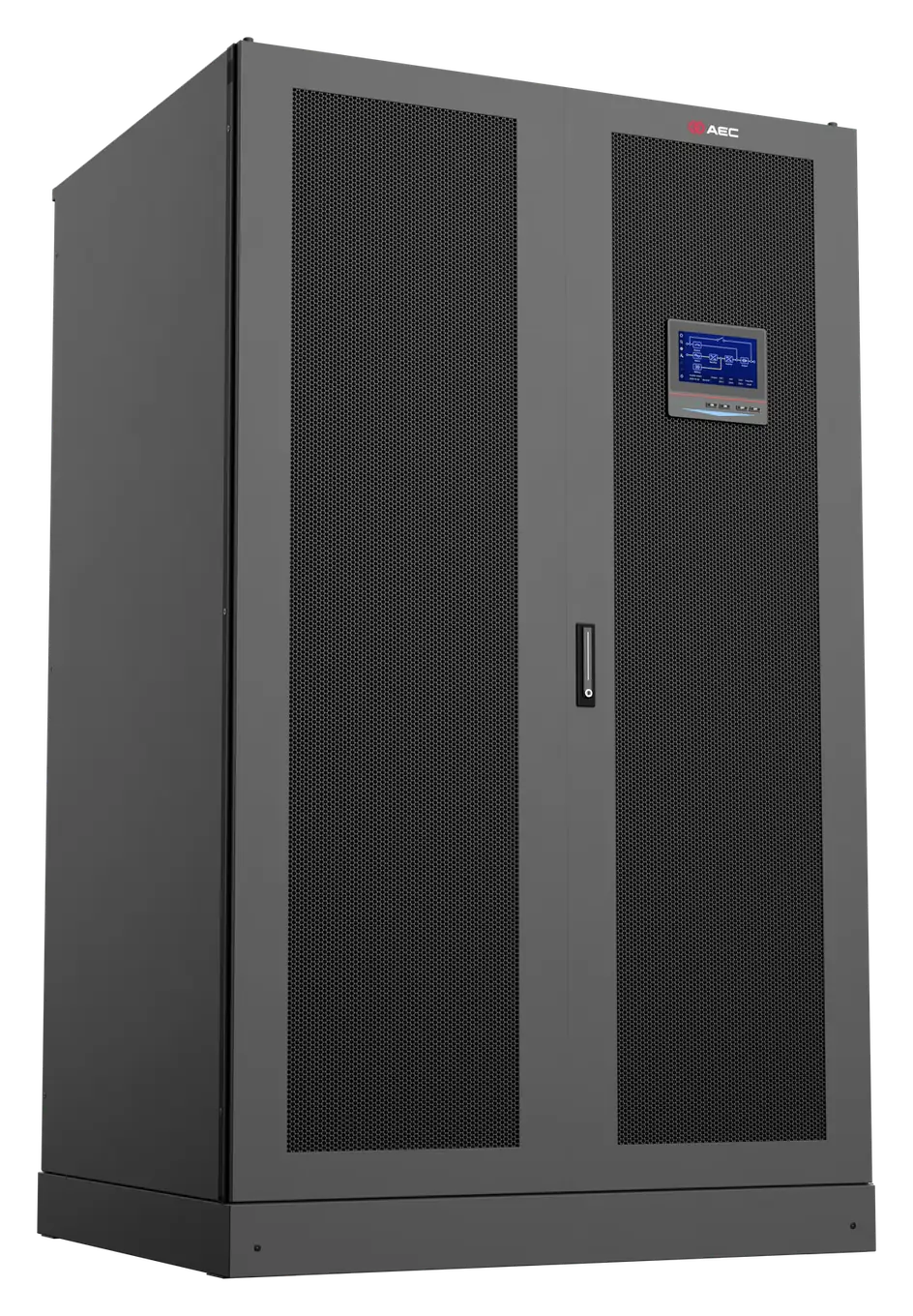
- IST6 400–1200 kVA modular UPS: 100 kVA power modules. Up to 97.2% with General modules and 98.1% with PLUS modules in double conversion; 99.2% in ECO mode; W-ECO up to 99%. ECO window: voltage ±5, ±10 or ±15% (default ±15%), frequency ±2 or ±4% (default ±2%). Parallel ECO and redundancy sleep are available.
- IST6 200–500 kVA: 50 kVA modules, up to 98.1% in double conversion, with ECO, W-ECO and redundancy sleep. In W-ECO the inverter also compensates the harmonics of the input current.
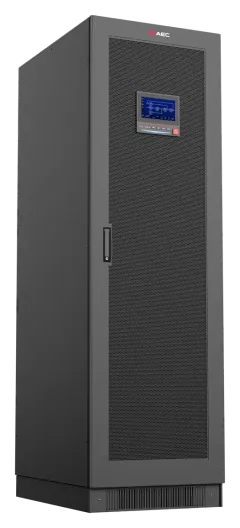
- IST6-120: 30 kVA modules from 30 to 120 kVA. 97% in double conversion, up to 99% in ECO mode, redundancy sleep and timed ECO on a schedule.
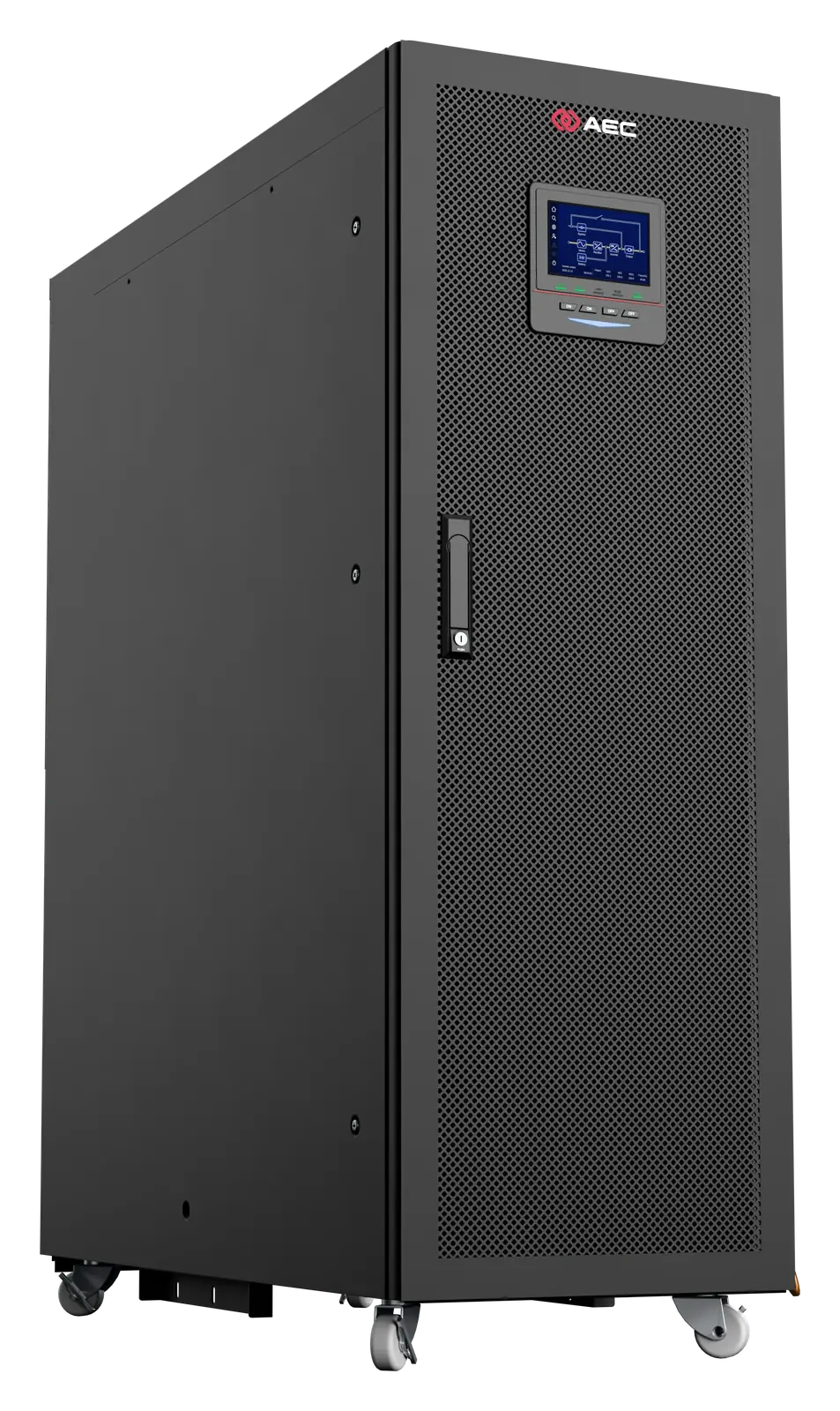
- IST7 60–200 kVA: up to 96.5% peak AC/AC efficiency in double conversion and 99% in ECO mode, with a default ECO window of ±15% voltage and ±2% frequency and automatic return to the inverter.
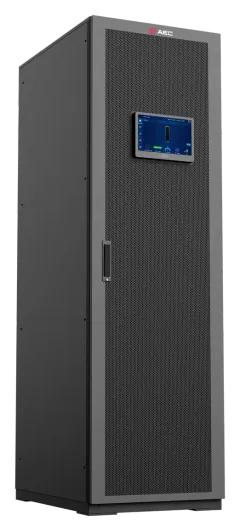
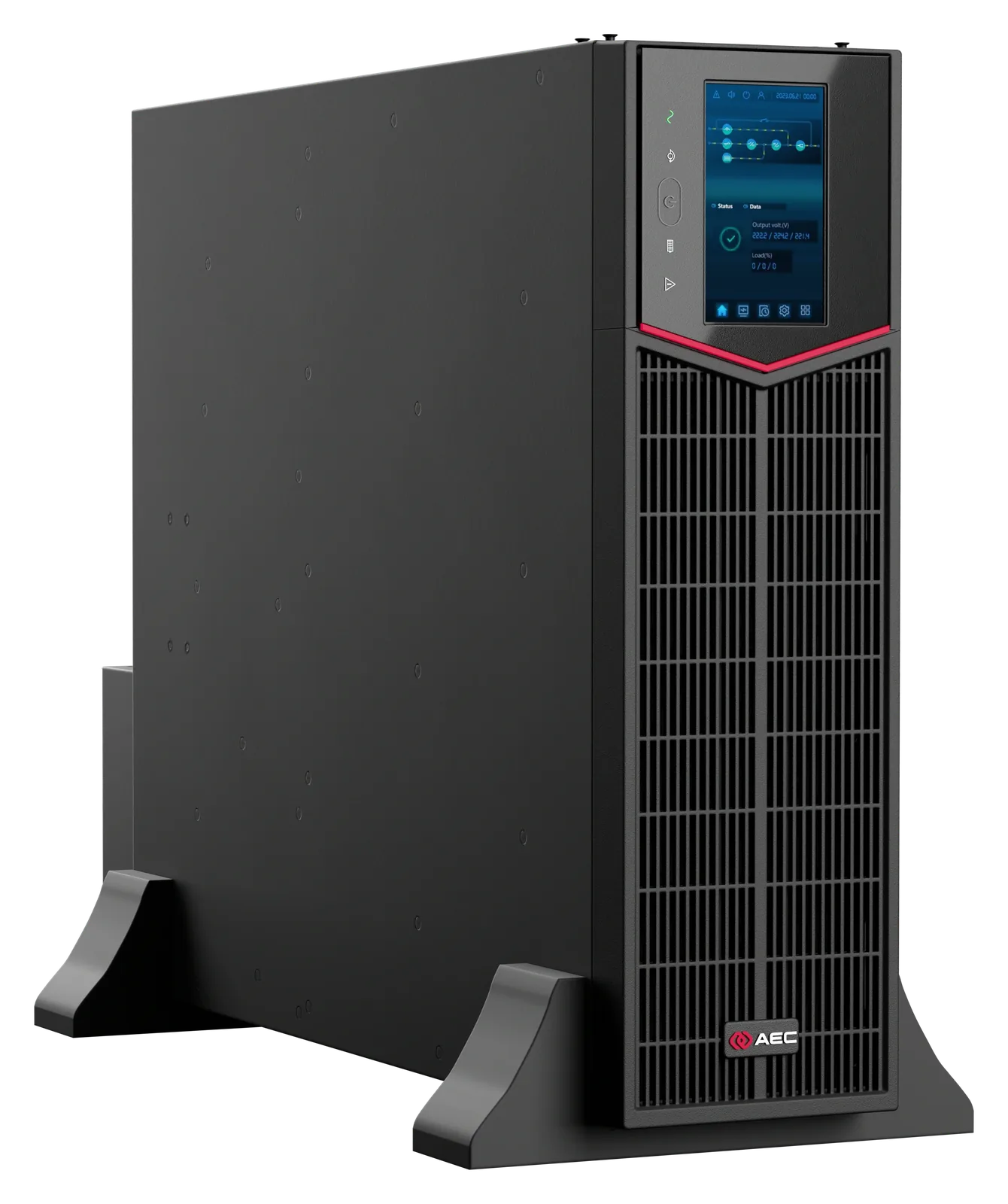
- IST7 10–40 kVA and IST9: up to 96% in double conversion and 99% in ECO mode, which on these ranges is for a single UPS. The IST9 datasheet gives 96% in high-voltage mode and 94% in low-voltage mode.
Worked example: one point of efficiency at megawatt scale
An IST6 cabinet of 1000 kVA at 80% load carries 800 kW. With General modules at 97.2%, losses are 800 × (1/0.972 − 1) = 23.05 kW. With PLUS modules at 98.1%, they are 800 × (1/0.981 − 1) = 15.49 kW. The difference is about 7.55 kW, or about 66,100 kWh per year at 8,760 hours, before the cooling saving. These are maximum system efficiencies, so treat the result as indicative.
Checklist for a high efficiency UPS
- Measure or estimate the real load in kW, today and in three to five years.
- Ask for efficiency at 25%, 50%, 75% and 100% load, not only the peak figure.
- Calculate losses at your load with P × (1/η − 1), and multiply by the operating hours.
- Add the cooling effect using the COP of your cooling system.
- Decide whether the load and the mains suit ECO mode; agree the window and any schedule.
- For modular systems, size the modules so each runs near its efficient zone, and set redundancy sleep without losing N+1.
- Check that the efficiency figures you compare are of the same type: AC/AC, battery or ECO, system or module.
Common mistakes
- Comparing peak with typical figures. A peak value from one datasheet against a 100% load value from another is not a fair comparison.
- Oversizing "to be safe". A UPS running at 20% load sits on the steep part of its curve. Keep sensible headroom, as in our UPS sizing guide, but not three times the load.
- Forgetting the cooling. Savings in the UPS also reduce the energy used by air conditioning.
- Turning on ECO mode without checking the load. Some loads do not tolerate the transfer or the mains disturbances that ECO mode lets through.
- Assuming ECO works in parallel. On some ranges ECO mode is for a single UPS only. Check before you design a parallel system around it.
Not sure which mode or range suits your site? Try the UPS finder, or send us your load and mains data and we will work out the losses with you.
Questions
Questions people ask
What is a good UPS efficiency?
For a three-phase online UPS in double conversion, efficiency of about 94% to 97% is common, and the best modern modular designs reach about 97-98% at their best load point. These are typical ranges, not rules. In ECO mode efficiency is usually about 99%. What matters most is the efficiency at your real load, so ask for figures at 25%, 50%, 75% and 100% load.
What is UPS ECO mode?
UPS ECO mode feeds the load through the static bypass while the mains voltage and frequency stay inside a set window. The inverter waits on standby and takes over when the mains goes out of tolerance. It raises efficiency to about 99%, but the load is no longer isolated from the mains as in online double conversion.
Is ECO mode safe for servers?
Not as a default: in ECO mode the servers run on the bypass, see the mains disturbances inside the ECO window and take a short transfer when the mains leaves it, so AEC recommends double conversion for them. Some IT power supplies tolerate that on a stable mains; on weak grids, generator supplies or very sensitive equipment it is not suitable. Check the load's tolerance and the ECO window before enabling it.
How do I calculate UPS losses?
Use losses (kW) = P × (1/η − 1), where P is the load in kW and η is the efficiency as a decimal. For example, 100 kW at 96.5% gives 100 × (1/0.965 − 1) = 3.63 kW. Multiply by the hours of operation to get kWh per year.
Why is UPS efficiency lower at light load?
Part of the losses is fixed: controls, fans and the converters themselves draw power whatever the load. At light load those fixed losses are large compared with the power delivered, so efficiency falls. Right-sizing, or using a modular UPS with redundancy sleep, keeps the loading closer to the efficient zone.
Does a more efficient UPS reduce cooling needs?
Yes. Every kW of UPS loss becomes a kW of heat in the room, which the cooling system must remove. Lower losses mean less heat and less electrical power for the cooling, on top of the saving in the UPS itself.
Products
Products in this guide

Blog
Keep reading
Talk to an AEC engineer
Tell us the load, the supply and the backup time you need: we answer with the model and the batteries that fit.