6 July 2022 · updated 30 October 2026 · 9 min
UPS for CCTV and video surveillance systems
A UPS for CCTV keeps cameras, the NVR and the network switches running when the mains fails, so recording does not stop at the moment it matters most. It also filters the surges and dips that corrupt hard disks and damage camera electronics.
For most systems the right choice is an online double-conversion UPS, sized on the whole chain, with enough battery for the outages you expect on site.
In brief
- Protect the whole chain: cameras or the PoE switch that feeds them, the NVR, the router and the alarm panels. A UPS on the recorder alone is not enough.
- Online double conversion gives 0 ms transfer and a clean sine wave. A line-interactive UPS with sine-wave output can suit small sites with a stable mains.
- Size on real watts plus about 20% margin, then choose the runtime separately. Long runtimes need external batteries.
- Outdoor cabinets need temperature control: heat shortens battery life and can push a UPS outside its operating range.
- Test the battery at least once a year and send UPS alarms to the monitoring system.
Why CCTV needs continuous power
A video surveillance system that stops when the power goes is not a security system. Cutting the supply is one of the first things an intruder may try, and storms and voltage dips can switch cameras off at the worst moment. There are three common weak points in security systems:
- No backup power at all. Some installations rely only on the mains, so cutting the main supply disables the system.
- Neglected batteries. Where a UPS exists, its batteries may be flat or worn because nobody checks them. When the mains is cut, the system goes down anyway.
- Fail-safe locks. Many electric locks are designed to release when power is lost, so a power cut can open doors as well as switch off cameras.
How power problems damage equipment
Surges (short overvoltages) and sags (short drops in voltage) are frequent, and surveillance equipment is sensitive to them:
- Recorders and hard disks need a stable supply. An irregular supply during read or write operations can corrupt recordings and damage the drives.
- Cameras contain delicate electronic controllers that voltage spikes can damage.
- Infrared illuminators are sensitive to voltage fluctuations, which can shorten their life.
A UPS protects all of these, so the whole installation tends to last longer.
What to protect: cameras, PoE switches, NVR and network
Cameras are designed to stay on permanently; what starts and stops is the recording. If any link in the chain loses power, the system goes blind. The UPS must therefore cover:
- cameras and their power supplies, or the PoE switch for IP cameras;
- the NVR or DVR and its disks;
- monitors in the control room;
- routers and modems for remote viewing and alarm transmission;
- access control and alarm panels.
A tidy approach is to supply all cameras from one or more central power supplies or PoE switches. The whole system then connects to a single UPS, rather than to many small units near each camera.
PoE switches
Most IP cameras take their power over the network cable, using Power over Ethernet (PoE). The PoE switch then becomes the power supply of every camera connected to it. Under IEEE 802.3af a switch port supplies up to 15.4 W, of which about 13 W reaches the camera. Under 802.3at (PoE+) the port supplies up to 30 W, about 25.5 W at the camera. Cameras with heaters or motorised pan-tilt-zoom heads may need 802.3at or the higher-power 802.3bt.
The switch data sheet gives a PoE budget: the most it can deliver to all ports together. Sizing on that budget is safe but may oversize the UPS. The cameras' real draw plus the switch's own consumption is closer to reality.
NVR and recorders
A network video recorder (NVR), or a DVR for analogue cameras, writes video to its hard disks all the time. A sudden loss of power during writing can corrupt the file system or the last recordings. Keep the NVR on the UPS output. If an outage may last longer than the battery, use the UPS communication port so the recorder can shut down cleanly before the battery is empty.
Outdoor cabinets
Remote poles and perimeter cabinets often hold a small switch, a media converter and sometimes a local UPS. Outdoor enclosures get hot in summer and cold in winter. Most UPS are designed for indoor use within a stated temperature range. Battery life also falls quickly with heat. A commonly cited rule of thumb is that VRLA battery life roughly halves for every 8 °C above 20–25 °C. Where you can, feed remote cameras from the central UPS through the PoE switch. Where a local UPS is unavoidable, use a ventilated or climate-controlled enclosure and check the UPS operating range.
Which UPS for CCTV?
No one UPS suits every surveillance system. The right one depends on the size of the system, the quality of the local mains and how long recording must continue. The two technologies normally used for CCTV compare like this:
| Aspect | Line-interactive with AVR | Online double conversion |
|---|---|---|
| How it works | Load on the mains; an automatic voltage regulator corrects small variations; the inverter takes over on failure | Load always fed by the inverter, which rebuilds the sine wave from a DC bus |
| Transfer time | A few milliseconds | 0 ms |
| Waveform on battery | Sine wave on better models; a stepped wave can upset some cameras | Pure sine wave |
| Frequency and distortion | Passed through from the mains | Output independent of the mains |
| IEC 62040-3 class | VI | VFI |
| Best suited to | Small systems, stable mains, short runtimes | Medium and large systems, unstable mains, generator sites, long runtimes |
A line-interactive UPS with an automatic voltage regulator (AVR) can be enough for small systems: it corrects small fluctuations without using the battery. Choose one with a sine-wave output, as some cameras show flicker or recording faults on a stepped wave. For larger systems, many IT components or an unstable mains, online double conversion is the better choice. It also copes well with a standby generator, whose frequency can drift while it picks up load. Our guide to online, line-interactive and offline UPS explains the differences.
How to size a UPS for security cameras: a worked example
Size in two stages: first power (real watts plus about 20% margin for start-up currents and future cameras), then runtime. Example: a warehouse has 16 IP cameras on one PoE switch, a 4-disk NVR, a router and a monitor in the guard room. The figures are typical examples; take yours from the data sheets.
- Cameras: 16 × 6 W = 96 W, all fed through the PoE switch.
- PoE switch, its own consumption: 20 W. Switch total: 96 + 20 = 116 W.
- NVR with 4 disks: 45 W. Router and modem: 15 W. Monitor: 25 W.
- Total load: 116 + 45 + 15 + 25 = 201 W.
- With a 20% margin: 201 × 1.2 ≈ 241 W.
- Power check: a 1 kVA IST3 is rated 1000 VA / 1000 W, so 241 W is about 24% of its rating. Power is not the limit here.
- Runtime: the site wants 2 hours of recording. Energy at the output is 241 W × 2 h = 482 Wh. Allowing about 10% for UPS losses (often more at light load), the battery must deliver roughly 482 / 0.9 ≈ 536 Wh, before any margin for ageing and temperature.
That is far more than the small internal batteries of a 1 kVA tower are meant to give. The right choice is a long backup model with an external battery cabinet, sized from the battery discharge tables. If the guard-room monitor is switched off after a few minutes, the load falls to about 176 W (201 − 25) and the same battery lasts noticeably longer. The backup time calculator gives a first estimate.
How much runtime does an NVR UPS need?
Runtime, also called backup time or autonomy, is how long the UPS can carry the load on battery. For CCTV, choose it from the site's risk, not from habit:
- Bridge to a generator. If a standby generator takes over, the UPS only needs to cover the start-up time plus a margin, including a failed first start.
- Ride through the usual outages. Look at the outages the site actually has. Many are short, but storms and network faults can cause long ones.
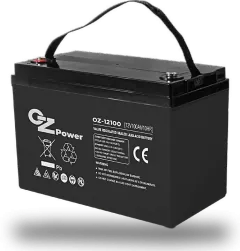
- Record through a long outage. If recording must continue for hours, size external batteries and consider shedding non-critical loads such as monitors.
- Clean shutdown. At the very least, leave enough battery for the NVR to close its files and shut down.
Our guide to UPS backup time shows how battery size, load and temperature affect the result.
AEC ranges for surveillance
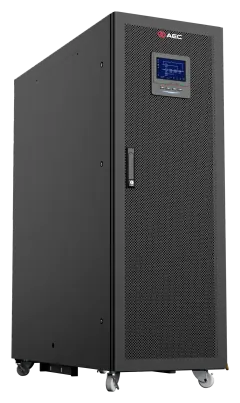
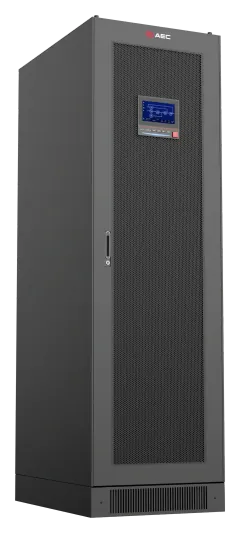
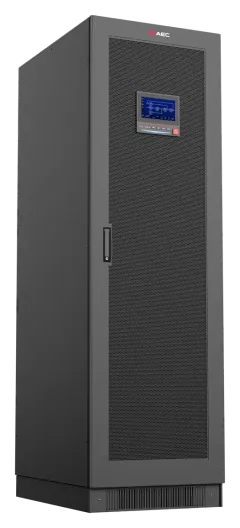
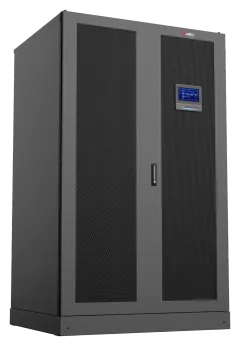
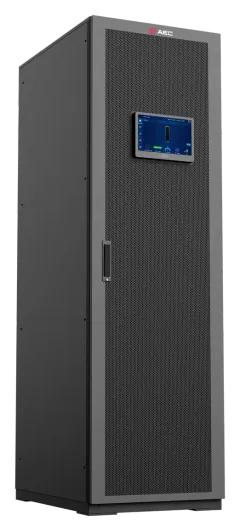
Every AEC UPS range in the EMEA catalogue is online double conversion with 0 ms transfer. For CCTV, four ranges cover most systems:
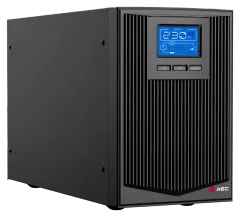
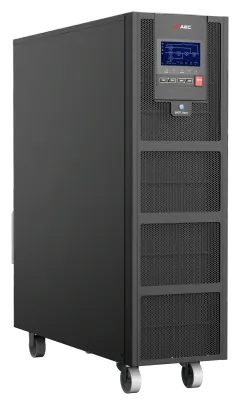
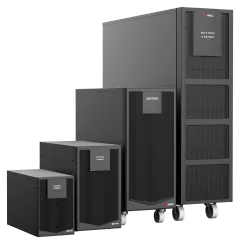
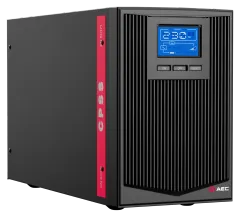
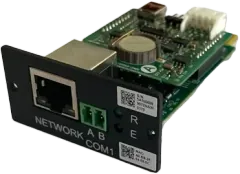
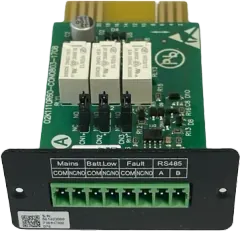
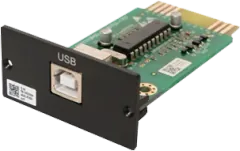
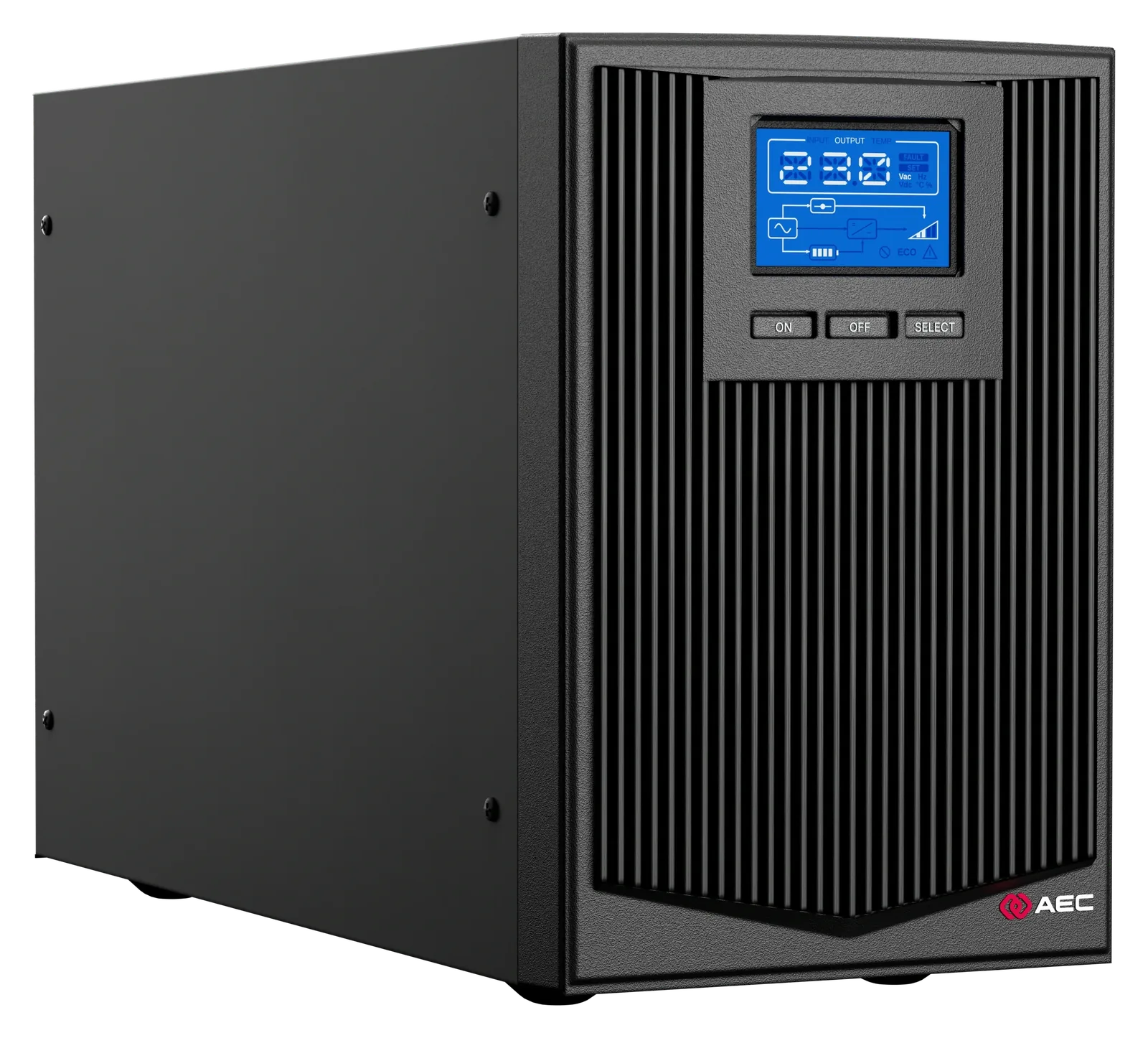
- IST3, 1–10 kVA tower: pure sine wave, five models (1, 2, 3, 6 and 10 kVA). Standard models have internal batteries, with 2 min at full load on 1–3 kVA (AEC data). Each rating also comes as a long backup model for external battery cabinets, when recording must continue for longer. RS232 and USB are standard; an SNMP card or an RS485 and dry-contact card is optional.
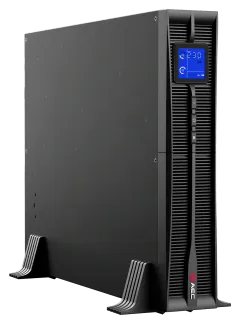
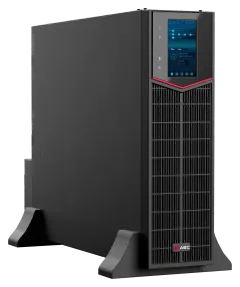
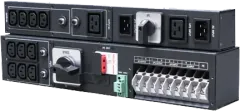
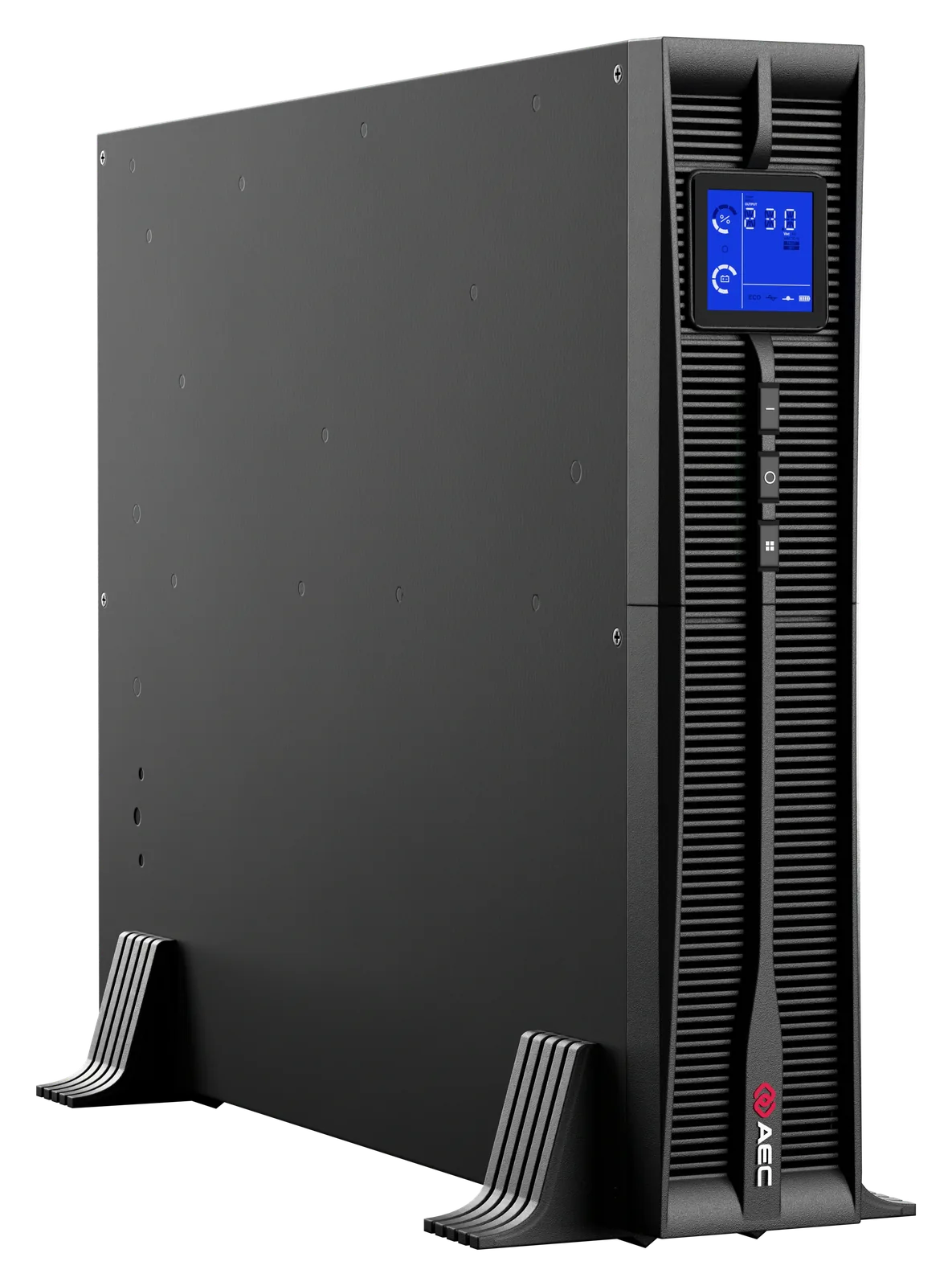
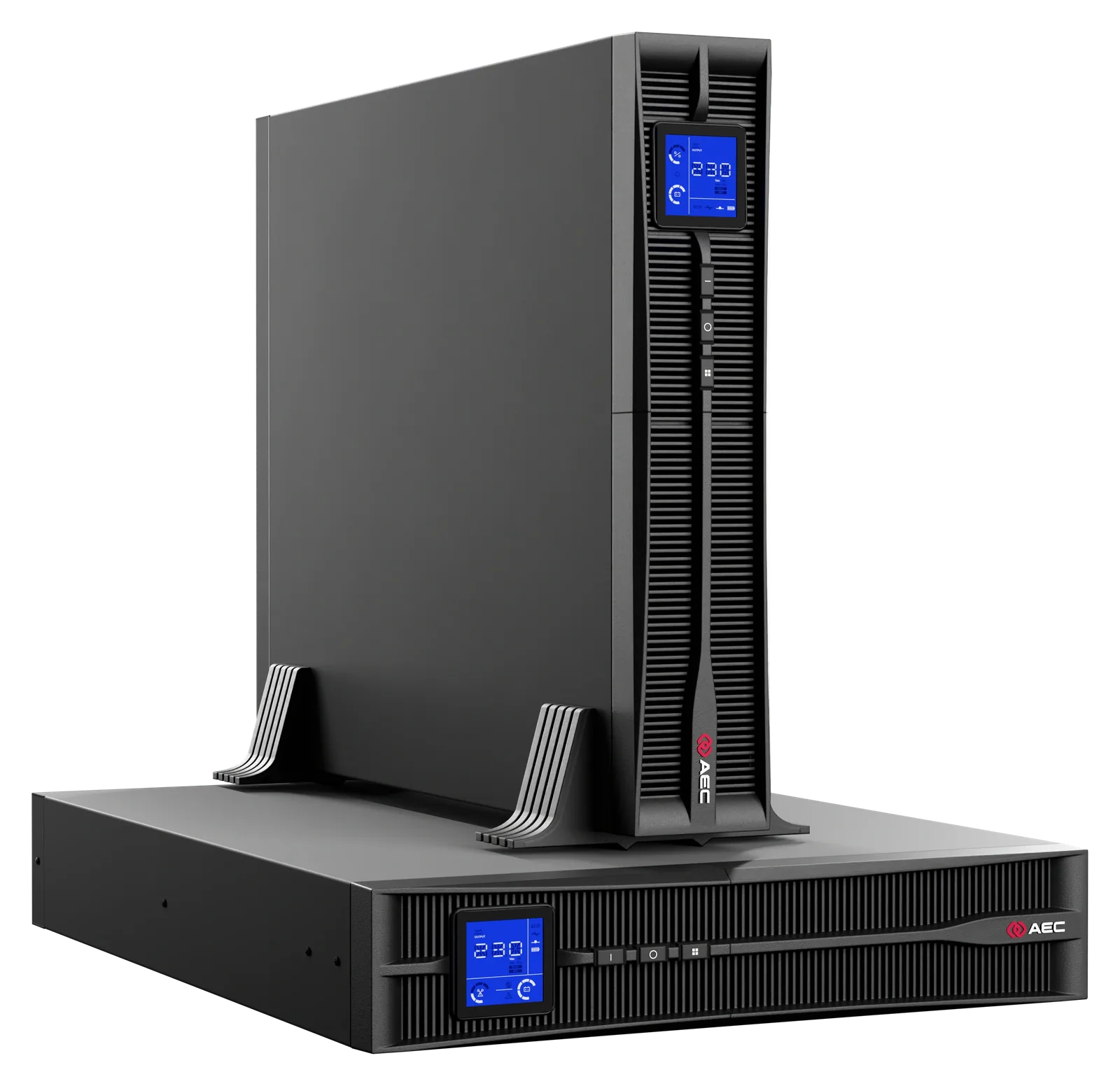
- IST3-J, 1–10 kVA, 2U: for the 19-inch rack that holds the NVR and switches; battery boxes mount in the same rack. On 1–3 kVA, optional programmable outlets switch off non-critical loads after a time on battery set from 0 to 999 min, leaving more runtime for cameras and recorder.
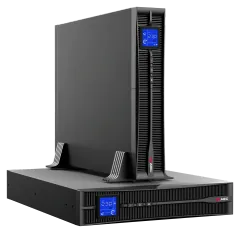
- IST8, 1–3 kVA: lithium-ion battery built in, 2U rack or tower, output power factor 1 (3 kVA = 3 kW). Its operating range of 0–60 °C, with output derated from 40 °C, helps in warm technical rooms.
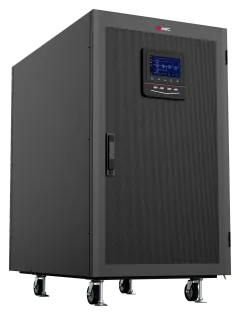
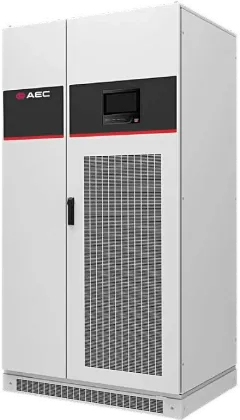
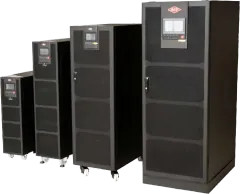
- All-in-One, 20 kVA: UPS, distribution switches and hot-swappable lithium modules in one cabinet on wheels, for large security control rooms. Security systems are among its listed applications, and it reaches up to 200 min at 6 kW with 8 × 50 Ah modules.
To pass UPS alarms to the security system, add an SNMP card or use dry contacts. If you are unsure which range fits, send us your camera list and we will size it with you.
Checklist for a CCTV UPS
- List every device in the chain: cameras, PoE switches, NVR, monitors, router, access control and alarm panels.
- Add up real watts from data sheets and add about 20% margin.
- Choose sine-wave output; prefer online double conversion for larger systems or a poor mains.
- Decide the runtime from the site's risk, and plan external batteries if it is longer than a few minutes.
- Check the operating temperature of UPS and batteries, especially in outdoor cabinets.
- Connect the UPS to the NVR or monitoring system for alarms and clean shutdown.
- Schedule a battery test at least once a year.
Common mistakes
- Protecting only the recorder. If cameras or the PoE switch lose power, the NVR has nothing to record.
- Counting cameras twice. When cameras are fed through a PoE switch, count their draw once, inside the switch total.
- Forgetting the battery. A UPS with a worn battery gives a false sense of security. See our UPS battery maintenance guide.
- A hot cabinet with no ventilation. Heat shortens battery life and can trip the UPS on over-temperature.
- No alarms and no shutdown. Without monitoring, nobody knows the UPS is on battery until the cameras go dark.
- Ignoring the locks. Check what fail-safe locks and access control do when power is lost, and whether they need the UPS too.
Questions
Questions people ask
Do cameras need a UPS if the recorder has one?
Yes. If the cameras lose power, the recorder has nothing to record. Protect cameras or the PoE switch that feeds them, the recorder and the network devices together.
Is a line-interactive UPS enough for CCTV?
Only for small systems on a stable mains, and only with a sine-wave output. For larger systems, unstable supplies or generator sites, an online double-conversion UPS gives 0 ms transfer and a cleaner supply.
What size UPS do I need for an NVR and a PoE switch?
Add the NVR's power to the switch's own consumption and the real draw of the cameras it feeds, then add about 20%. In this guide's example, 16 cameras, an NVR, a router and a monitor come to about 240 W with margin, which a 1 kVA online UPS covers easily. The runtime you want then decides the battery.
How long should a CCTV UPS run?
There is no single figure: cover the outages you expect on site, or bridge to a generator with a margin (5 to 15 minutes is a common starting point). At minimum, the NVR must have time to shut down cleanly. If you need more than a few minutes, choose a UPS that accepts external batteries.
Can I put a UPS in an outdoor camera cabinet?
Only if the cabinet keeps the UPS and battery within their operating temperature range. Heat shortens battery life a great deal. Where possible, feed remote cameras from a central UPS through the PoE switch instead.
What is the best UPS for security cameras?
The best UPS is the one sized for your whole chain and your site's outages. For most professional systems that means an online double-conversion UPS with sine-wave output, remote alarms and the option of external batteries.
Blog
Keep reading
Talk to an AEC engineer
Tell us the load, the supply and the backup time you need: we answer with the model and the batteries that fit.