27 July 2022 · updated 30 October 2026 · 7 min
What is a UPS and what does it do?
UPS stands for uninterruptible power supply: a device that keeps electrical equipment running from a battery when the mains fails, and cleans up the supply while the mains is present. It sits between the mains and the equipment you want to protect.
When a power cut or a disturbance arrives, the UPS carries the load long enough to ride through it, hand over to a generator or shut systems down in an orderly way.
In brief
- UPS meaning: uninterruptible power supply. In Italy it is called a gruppo di continuità.
- How it works: a rectifier charges a battery, an inverter supplies the load, and a bypass covers faults and servicing.
- Three types: off-line, line-interactive and online double conversion. Only online keeps the load permanently on the inverter, with 0 ms transfer.
- What it is for: power cuts, but also sags, surges, noise and frequency drift that damage equipment and data.
- Runtime is a choice: minutes for a controlled shutdown, longer with external or lithium batteries.
UPS meaning: what the acronym stands for
UPS is short for uninterruptible power supply. You will also see "uninterruptible power source" or "UPS system"; they mean the same thing. People often search for a "UPS power supply", which is a little redundant, but it describes the device well: a power supply that does not stop when the mains does.
This guide covers the static UPS, the electronic type used in offices, server rooms, hospitals and factories. The performance of a static UPS is defined by the standard IEC/EN 62040-3, while IEC/EN 62040-1 and 62040-2 cover safety and electromagnetic compatibility (EMC). A UPS is not the same as a central power supply system for emergency lighting, which follows EN 50171; our guide on UPS versus CPSS explains the difference.
The problems a UPS solves
The electricity grid is never perfect. Equipment connected to it is exposed to:
- Power cuts, from a fraction of a second to several hours.
- Voltage sags and surges, often caused by large loads switching on and off, or by storms.
- Transients and electrical noise, from switching on the medium and high voltage network.
- Frequency variations, for example when a site runs on a generator.
Any of these can cause lost data, corrupted files, damaged power supplies or a stopped production line. Many of them last less than a second: the lights barely flicker, yet a server can reboot. A good UPS protects against all of them, not only against blackouts.
How a UPS works
A static UPS has four main parts:
- Rectifier: turns the mains alternating current (AC) into direct current (DC) and feeds the battery charger.
- Battery: stores energy. It is made of 12 V blocks in series and, on larger systems, several strings in parallel. Its capacity sets the runtime.
- Inverter: turns DC back into a clean AC sine wave for the load.
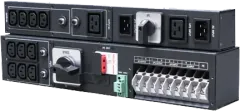
- Bypass: an automatic static switch that supplies the load straight from the mains if the UPS has a fault or an overload. A separate manual maintenance bypass lets engineers service the UPS without switching the load off.
In normal operation the mains feeds the rectifier and the battery is kept charged. When the mains fails, the battery takes over and the inverter keeps running. When the mains returns, the UPS recharges the battery and carries on as before. Many UPS also offer an ECO mode, which runs the load on the bypass for higher efficiency and switches back to the inverter when the mains leaves tolerance.
The three types of UPS
IEC 62040-3 classifies UPS by how far the output depends on the mains. The classes are VFD (voltage and frequency dependent), VI (voltage independent) and VFI (voltage and frequency independent).
| Type | IEC 62040-3 class | Load normally runs on | Transfer to battery | Typical use |
|---|---|---|---|---|
| Off-line (standby) | VFD | Mains, basic filtering only | Short transfer time | Basic home equipment |
| Line-interactive | VI | Mains through a voltage regulator | Short transfer time | Home, small office, simple loads |
| Online double conversion | VFI | Inverter, always | None (0 ms) | Servers, networks, medical, industry |
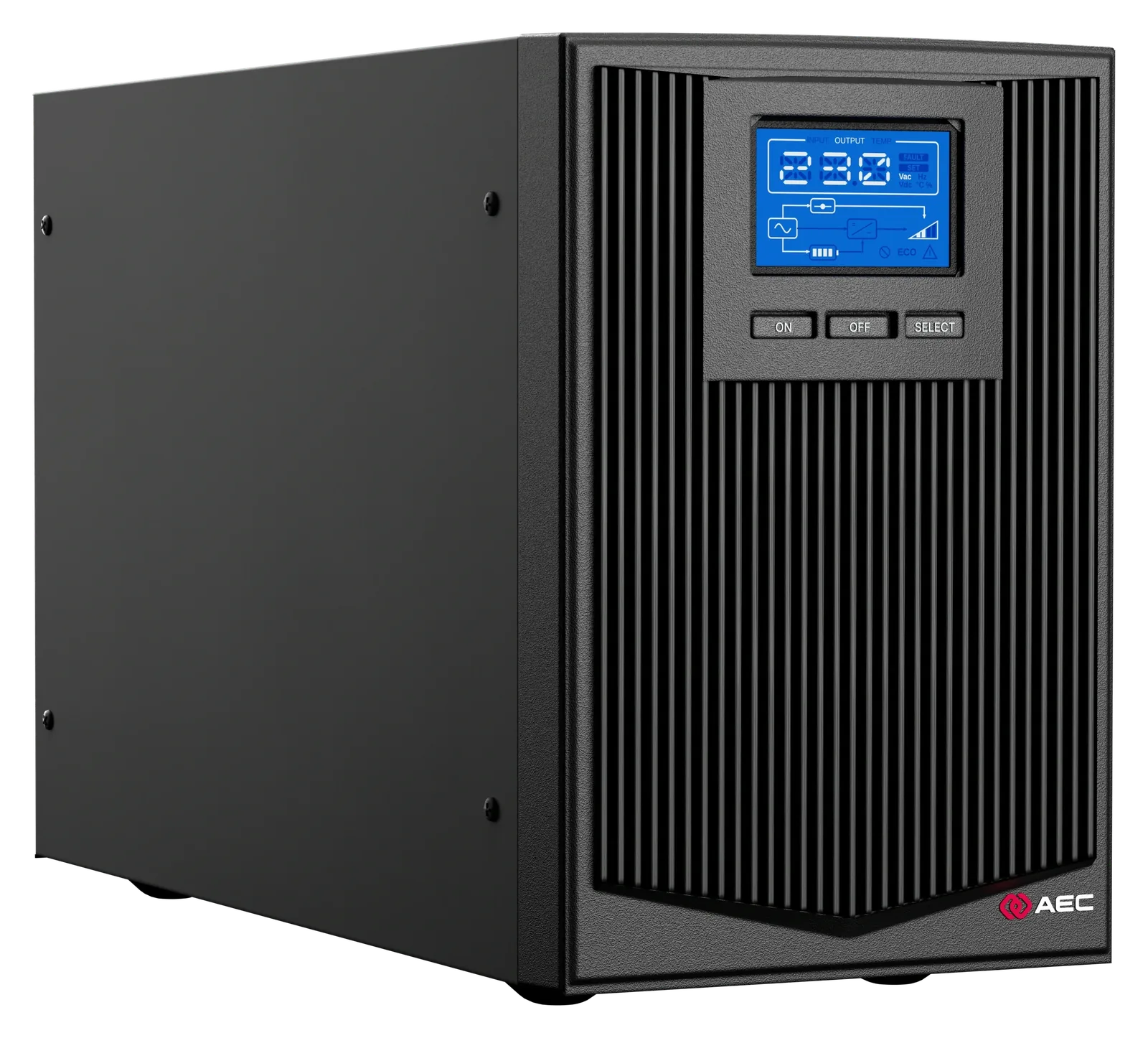
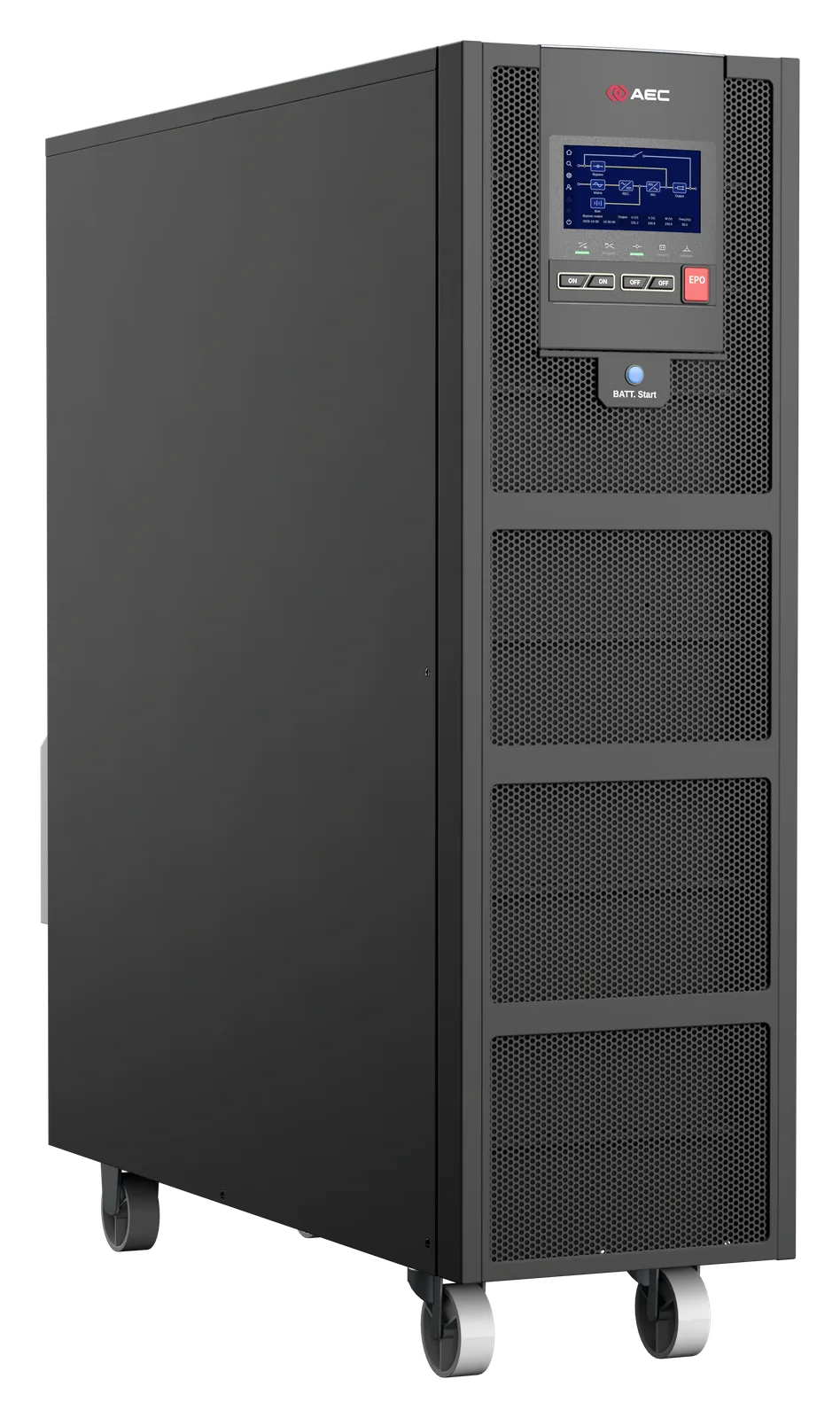
An automatic voltage regulator (AVR), used in line-interactive units, corrects sags and surges without touching the battery. An online double-conversion UPS goes further: the load always runs from the inverter, so its supply is independent of the mains in both voltage and frequency. All AEC UPS ranges in the EMEA catalogue are online double conversion, from 1 kVA to 1.2 MVA. Our guide to online, line-interactive and off-line UPS goes into each type in detail.
What is a UPS used for?
- Computers and networks, at home or in the office, so unsaved work is not lost and the router keeps the connection up.
- Servers and data centres, where data must be available at all times.
- Hospitals and clinics, for loads that must not see a break, such as operating theatres and intensive care.
- Industry, where a stop can scrap a batch or damage machines.
- Transport and telecoms, where a fault in a station, airport or exchange affects many people.
- Security systems, such as cameras, recorders and alarms that must keep working during a power cut.
On larger sites the UPS often works with a standby generator. The UPS covers the seconds the generator needs to start and stabilise, and the generator carries the site for hours.
More than backup: power quality
An online UPS does more than bridge a blackout. Because the load is always supplied by the inverter, it receives a clean, stable sine wave whatever happens upstream. Sags, surges and noise are absorbed by the rectifier and the DC stage before they reach the equipment.
A wide input window also protects the battery. On the IST3, for example, the load always runs on the inverter, with 0 ms transfer, and on the 1–3 kVA models the battery is not used until the mains falls below 120 V at loads under 50%. The battery stays fully charged for real outages instead of cycling on every brownout.
Worked example: what a UPS rating means in practice
UPS ratings are given in volt-amperes (VA or kVA), while equipment consumption is in watts (W). The link between them is the output power factor (PF): watts = VA × PF. Our guide to kVA and kW explains this in full. Take a small office corner:
- List the loads: one PC at 120 W, two monitors at 25 W each, a router at 15 W and a network storage unit (NAS) at 45 W.
- Add them up: 120 + 25 + 25 + 15 + 45 = 230 W.
- Convert the UPS rating to watts: the IST3 has an output power factor of 1, so the 1 kVA model gives 1,000 × 1 = 1,000 W.
- Check the load level: 230 ÷ 1,000 = 0.23, about 23% of the rating. That is well inside the common rule-of-thumb limit of about 80% (800 W), leaving room for a printer or a second PC.
- Check the runtime: the standard 1 kVA IST3 gives 2 minutes at full load from its internal batteries (AEC data). At a quarter load the runtime is longer, but the exact figure depends on the batteries, so check it with the backup time calculator. If the office needs half an hour, choose the long backup model with an external battery cabinet.
The same steps work at any scale, from one PC to a data centre. Our guide to UPS backup time covers the runtime side.
Which AEC UPS fits which application
The right UPS depends on the load, the runtime and the site. As a starting point:
| Application | AEC range | Power |
|---|---|---|
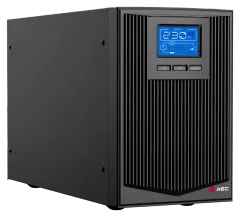
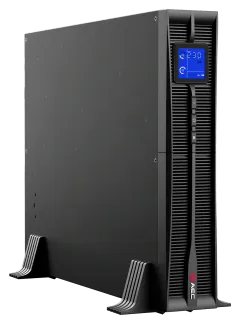
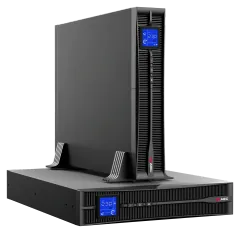
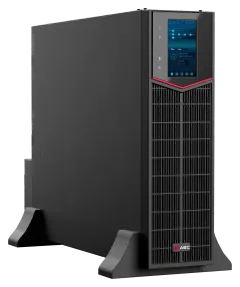
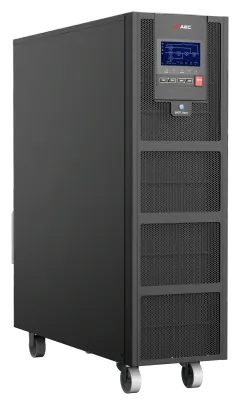
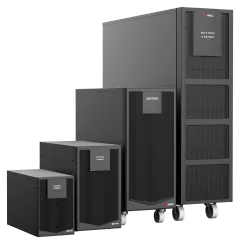
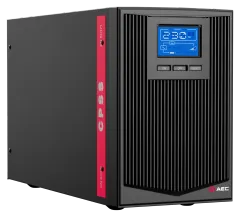
| PCs, small servers, network cabinets | IST3 tower, IST3-J rack, IST8 lithium rack | 1–10 kVA (IST8 1–3 kVA), single-phase |
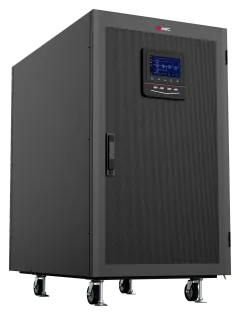
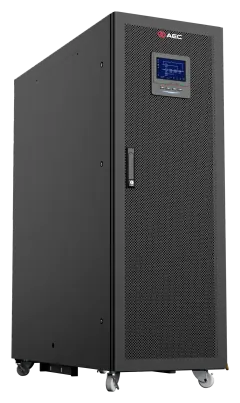
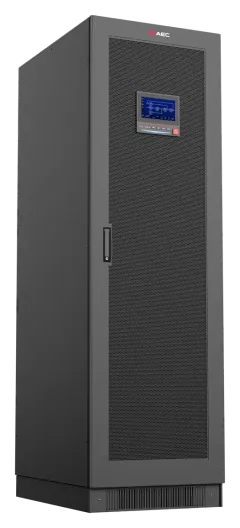
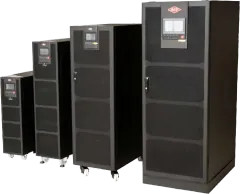
| Server rooms, small data centres | IST9 rack, IST7 floor-standing | 10–40 kVA |
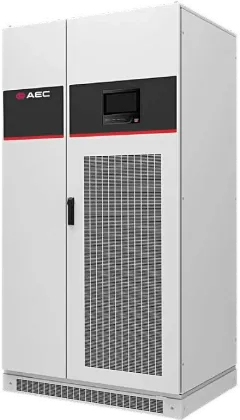
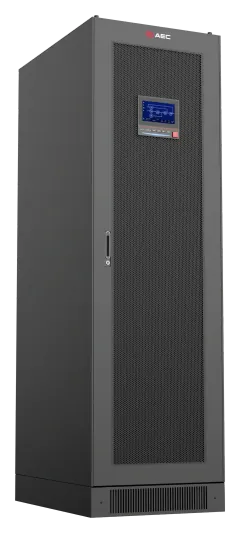
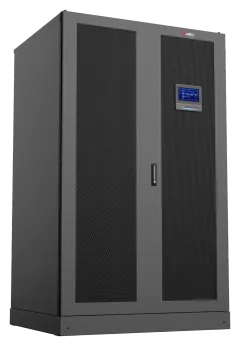
| Buildings and industrial sites | IST7 60–200 kVA, IST7-T with isolation transformer | 60–200 kVA · 100–200 kVA |
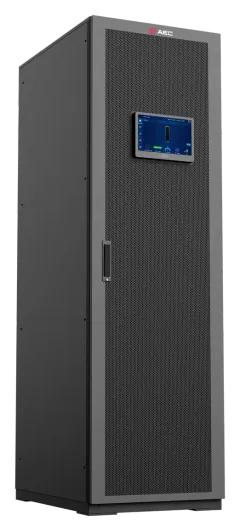
| Data centres with growing loads | IST6 modular | 30–120, 200–500 and 400–1200 kVA |
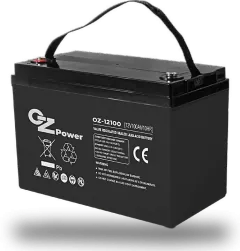
Batteries matter as much as the UPS. AEC supplies sealed OZ Power AGM batteries and L6 lithium systems for longer runtimes. If you are not sure where to start, the UPS finder suggests a range from your load and runtime. Every AEC range can be turned and opened in 3D, with each part named.
Common mistakes and a quick checklist
Common mistakes
- Reading VA as watts. A 1,000 VA unit with a power factor of 0.9 gives 900 W, not 1,000 W.
- Thinking a UPS is only for blackouts. Most disturbances are short sags and surges, which an online UPS filters every day.
- Expecting hours from internal batteries. Small UPS are designed for minutes. Longer runtimes need external batteries.
- Plugging in the wrong loads. Laser printers and heaters draw large peaks and use up capacity meant for critical equipment.
- Forgetting the battery. Lead-acid batteries typically last 3–5 years in service, less in a hot room. Plan checks and replacement.
Checklist
- List the equipment that must stay on and add up its watts.
- Decide the runtime: a controlled shutdown, or hand-over to a generator.
- Choose the technology: online double conversion for servers and sensitive loads.
- Check single-phase or three-phase supply.
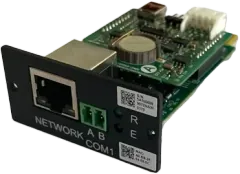
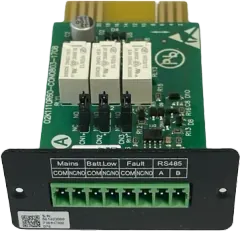
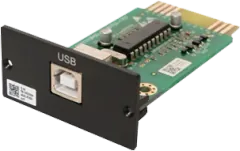
- Plan monitoring (USB, RS232 or SNMP) for automatic shutdown.
- Plan battery maintenance from day one.
Questions
Questions people ask
What does UPS stand for?
UPS stands for uninterruptible power supply. It keeps equipment running from a battery when the mains fails and filters out disturbances while the mains is present. In Italian it is called a gruppo di continuità.
What is a UPS power supply used for?
It protects computers, servers, network equipment, medical devices, industrial controls and security systems from power cuts, sags, surges and electrical noise. It gives time to ride through short outages, start a generator or shut systems down without losing data.
How long can a UPS keep equipment running?
A few minutes at full load with internal batteries: the standard 1–3 kVA IST3, for example, gives 2 minutes (AEC data), and much longer at part load. External battery cabinets or lithium systems extend this to hours.
Does a UPS protect against surges?
Yes. An online double-conversion UPS supplies the load from its inverter at all times, so surges, sags and noise on the mains do not reach the equipment. Line-interactive units correct sags and surges with a voltage regulator, but less completely.
What is the difference between a UPS and a surge protector?
A surge protector only clamps voltage spikes and does nothing during a power cut. A UPS contains a battery and an inverter, so it keeps the load running when the mains fails and, if it is online, also cleans up the supply.
Do I need an online UPS?
Yes, for servers, network equipment, medical devices and any load that cannot tolerate a break: online double conversion has no transfer time and gives a stable output. For a simple home PC, a line-interactive unit can be enough.

Blog
Keep reading
Talk to an AEC engineer
Tell us the load, the supply and the backup time you need: we answer with the model and the batteries that fit.