Operating guide
IST8 1–3 kVA operating guide
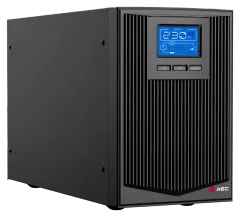
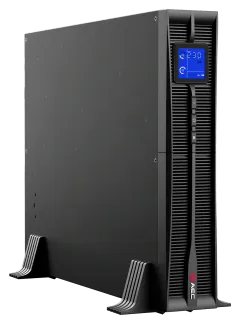
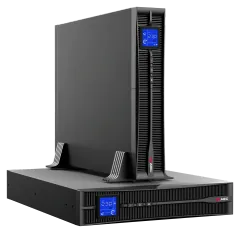
The IST8 with built-in lithium iron phosphate battery, rack or tower: the same three keys as the IST3 family, and its own fault codes. Every step names the manual's section and page.
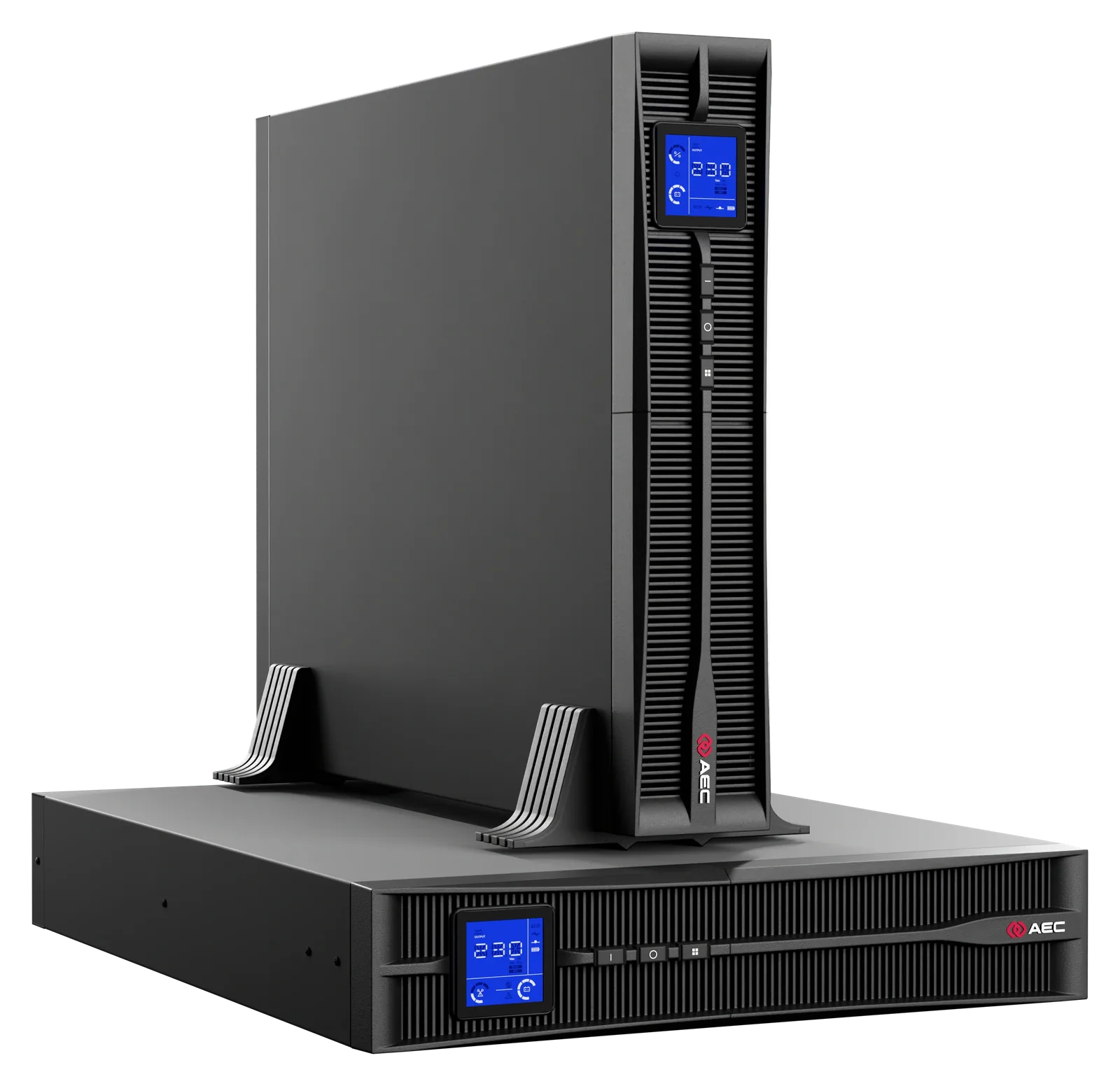
The display
The display, page by page.
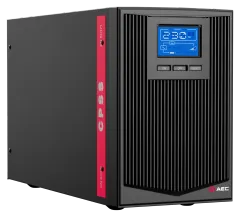
The real screens, recorded from AEC's display simulator. Tap a screen to enlarge it. Keys and icons as in section 2.2.1 of the manual (page 9).
Keys and controls
- ON, held 1 s
- UPS off: switches it on.
- ON, held 3 s
- Mains mode: runs a battery test. Battery mode: silences the mains-failure alarm; 3 s again turn it back on.
- OFF, held 1 s
- UPS on: switches it off.
- SELECT
- Each press shows the next reading: output voltage and frequency, input voltage and frequency, battery voltage, internal temperature, load, fault information. Held 5 s it opens the setting page.
- SELECT, held 5 s
- Setting page: ECO or INV mode, rack or tower display, output voltage; hold ON for more than 1 s to save (§2.3.2).
Passwords are not printed here: the settings pages need the administrator access that AEC technical service gives.
Procedures
Start-up, shutdown, battery test, battery care.
From the AEC-UM-IST8 Rev. 01 user manual. The link on each procedure opens the PDF on its page.
Checks before start-upInput, output, load and battery.Manual §4.1 · p. 27 · 4 steps
Input and output installed correctly, the input on a supply that matches the rating.
No short circuit on the output, the load within the UPS capacity and switched off.
Battery voltage normal.
No inductive loads on the output: supply them from the mains.
Start-upMains in, ON for 1 s, then the loads.Manual §4.2 · p. 27 · 3 steps
Connect the UPS to the mains socket.
On the display: Output voltage Press ON on the panel for 1 s to start the UPS.
After about 10 s, when the UPS runs steadily, switch on the loads.
Caution Switch on the loads from the highest power to the lowest, so a starting load does not trip the overload protection.
ShutdownLoads off, 10 minutes to cool, OFF for 1 s.Manual §4.3 · p. 27 · 3 steps
Switch off the loads and leave the UPS running without load for about 10 minutes to cool down.
Press OFF on the panel for 1 s.
Unplug the UPS from the mains socket.
Battery test and buzzerTwo holds of the ON key.Manual §2.2.1 · p. 9 · 2 steps
Mains mode: hold ON for 3 s to run a battery test.
On the display: Battery voltage Battery mode: hold ON for 3 s to silence the buzzer (mains failure or low battery); 3 s again cancel the silence.
Battery careFirst charge, periodic cycles, long storage.Manual §5.2 · p. 28 · 3 steps
Before first use, start the UPS and charge the battery for ten hours.
Every four to six months discharge the battery until the UPS switches off, then recharge it for at least ten hours; every two months in hot climates.
After a mains failure press OFF, so that the battery does not keep discharging; recharge fully within 24 h after a discharge.
Alarms
Alarms and what to check.
From Table 5-2 of the manual, page 30. If an alarm stays, or the cause is inside the UPS, call AEC service.
| Shown | Buzzer | Meaning and what to check |
|---|---|---|
| EPO | Long beep | Emergency power off active (if fitted): bypass and inverter outputs are off. |
| BUS | Long beep | DC bus voltage fault: the inverter output is off. |
| TMP | Long beep | Over-temperature protection: the inverter output is off. Check the cooling fans and that the vents are free. |
| OUT | Long beep | Output fault: check the output for a short circuit or too much load. |
| MIF | Long beep | If the UPS is on bypass, the inverter has failed more than five times in five minutes: check for an inductive load or too much load on the output. |
| BAT | Long beep | Battery fault: battery voltage too low or too high (protection). |
| FAN | Rapid beep (every 0.2 s) | Fan fault alarm: the inverter output is about to shut down for protection. Check the cooling fans. |
| All load bars flash | Rapid beep | Overload alarm: the output will switch off shortly. Reduce the load. |
| All battery bars flash | Slow beep (every 2 s) | Battery voltage too high: check the battery and the charger. |
| Battery bars off, frame flashing | Rapid beep | Battery nearly exhausted: save your data and shut down the connected equipment. |
Common symptoms.
Table 5-1 of the manual, page 29: simple checks before you call service.
Mains present, the UPS runs on battery and beeps intermittently
Check the plug, socket and input wiring for a poor contact, and whether the input voltage or frequency on the LCD is outside the UPS input range.
The output stops as soon as the load is switched on
Severe overload or a short circuit on the output (often a faulty power strip or load). Or the loads were not started largest first: restart the UPS and, once it runs steadily, switch on the largest load first.
Long beep, fault icon on, UPS on bypass
Output overload: reduce the load. A short transfer to bypass when a load starts, with a return on its own, is normal. Or over-temperature: check that the air inlets and outlets are free and the room within its limits.
At a mains failure there is no output, or the UPS shuts down soon on low battery
Aged batteries with lost capacity, a charger fault, or a battery cable loose or not connected. Replacement is for authorised personnel.
The LCD is blank
Loose wiring to the display board, or a display board fault: call AEC service.
Practice
The IST8 1–3 kVA display simulator.
The same display, before you stand in front of the UPS: the operating states and the main pages.
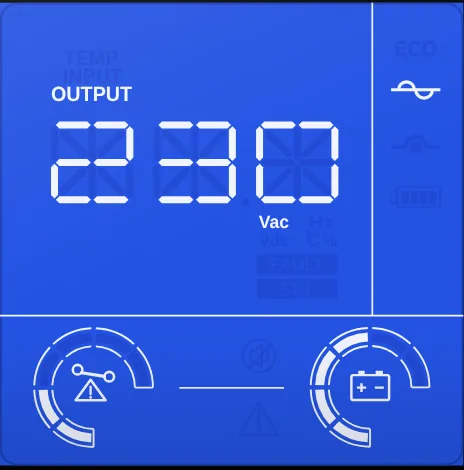
IST8 1–3 kVA · the real display
Output voltage
Talk to an AEC engineer
Tell us the load, the supply and the backup time you need: we answer with the model and the batteries that fit.